
Shoe photos a marketplace grid can repeat
How a shoe seller can turn a phone photo from the shop floor into a square catalog shot, a side view, and a detail of the sole.
Shoes are sold on shape. A pair on a tiled floor, surrounded by open boxes, makes the buyer work to see the toe, the sole, and the color. A marketplace thumbnail is smaller still. InstantSnap takes the pair off the floor and puts it on a background the rest of the grid can share.
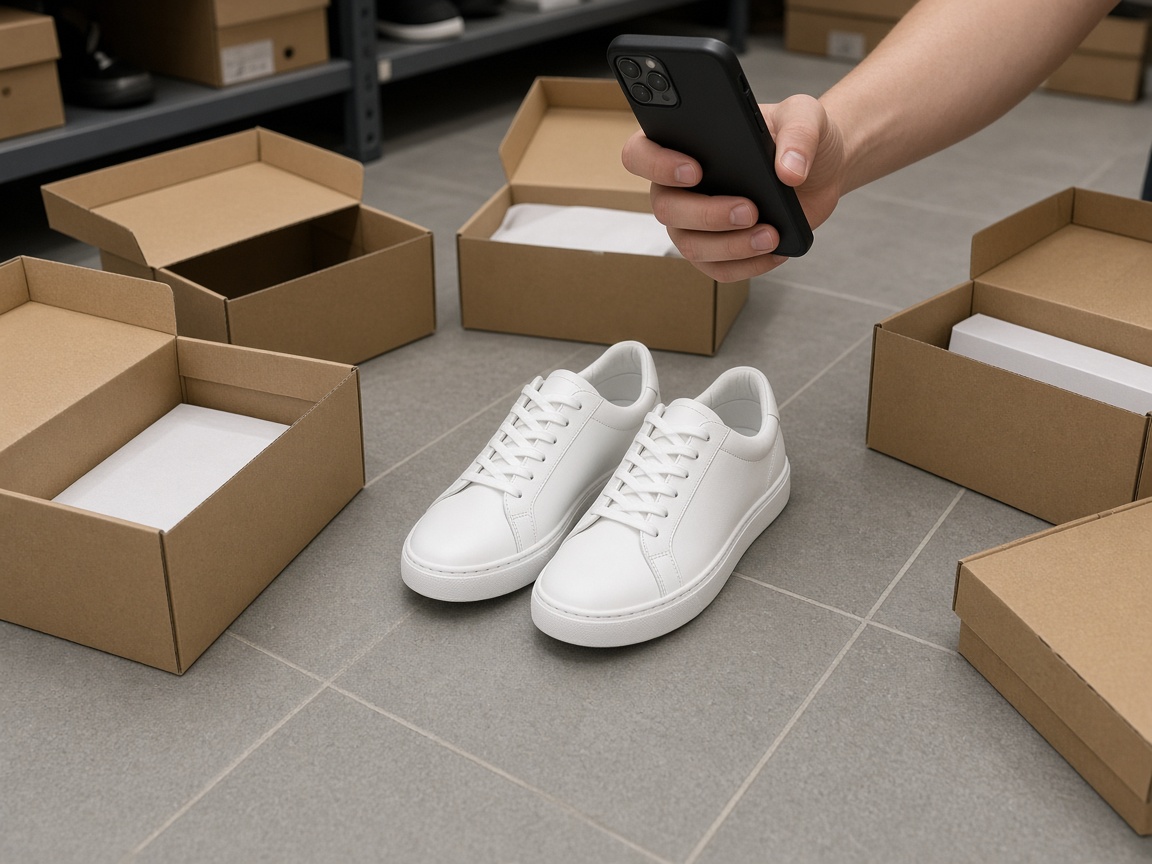
One pair, the whole shoe
Photograph one pair. Include both shoes if that is what you sell, and keep the toes and the heels in frame. Laces, scuffs, and the real color belong in the phone photo. Choose Product for a still life, which is the usual marketplace photo. Choose Clothes and a model only when the listing needs the shoe on a foot, and only if the phone photo shows the shoe clearly enough. For the grid, make the Product shot first.
- 3/4 shows the toe, the side, and a little of the opening. It is the default thumbnail for a shoe.
- Side shows the profile and the height of the sole.
- Detail is the stitch, the eyelet, or the tread, from a photo that actually shows it.
- White, Gray, or Soft shadow, and Square, so every pair in the shop matches.
- Leave Color on Keep unless another pair in that color is the one you photographed.
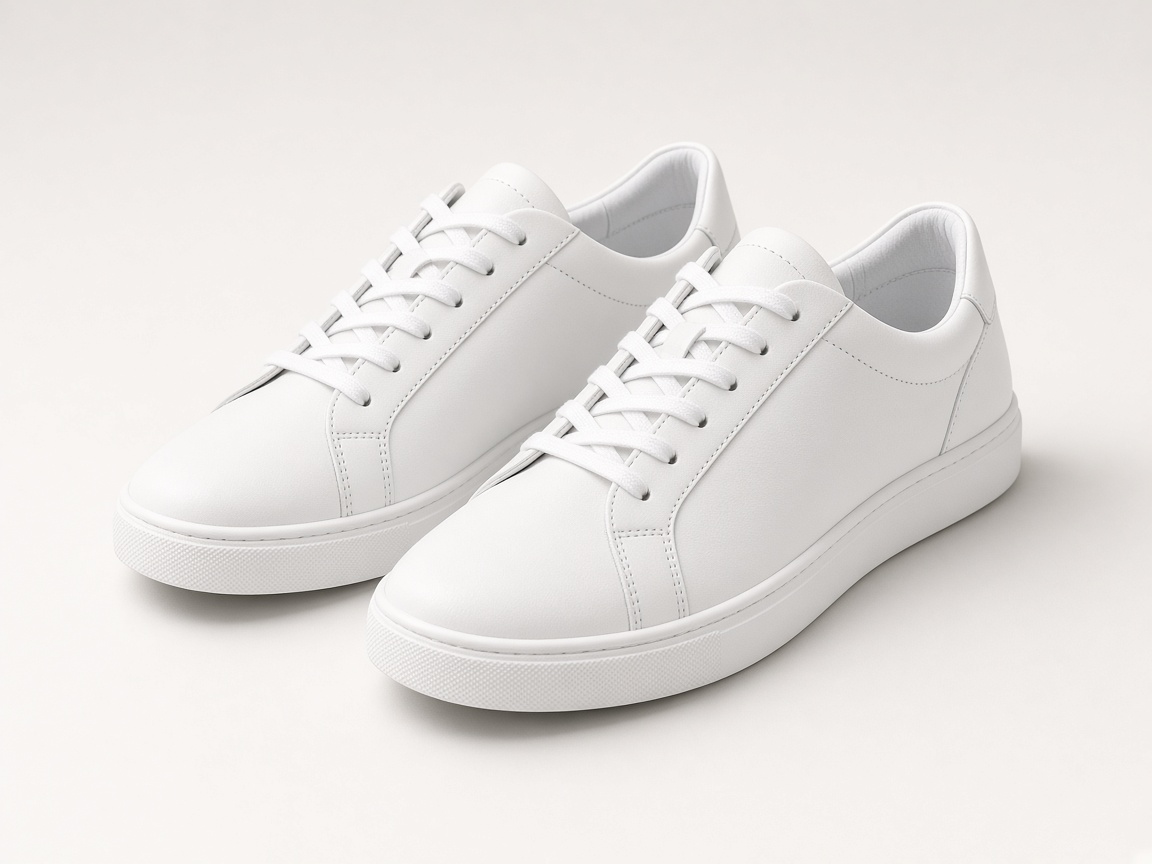
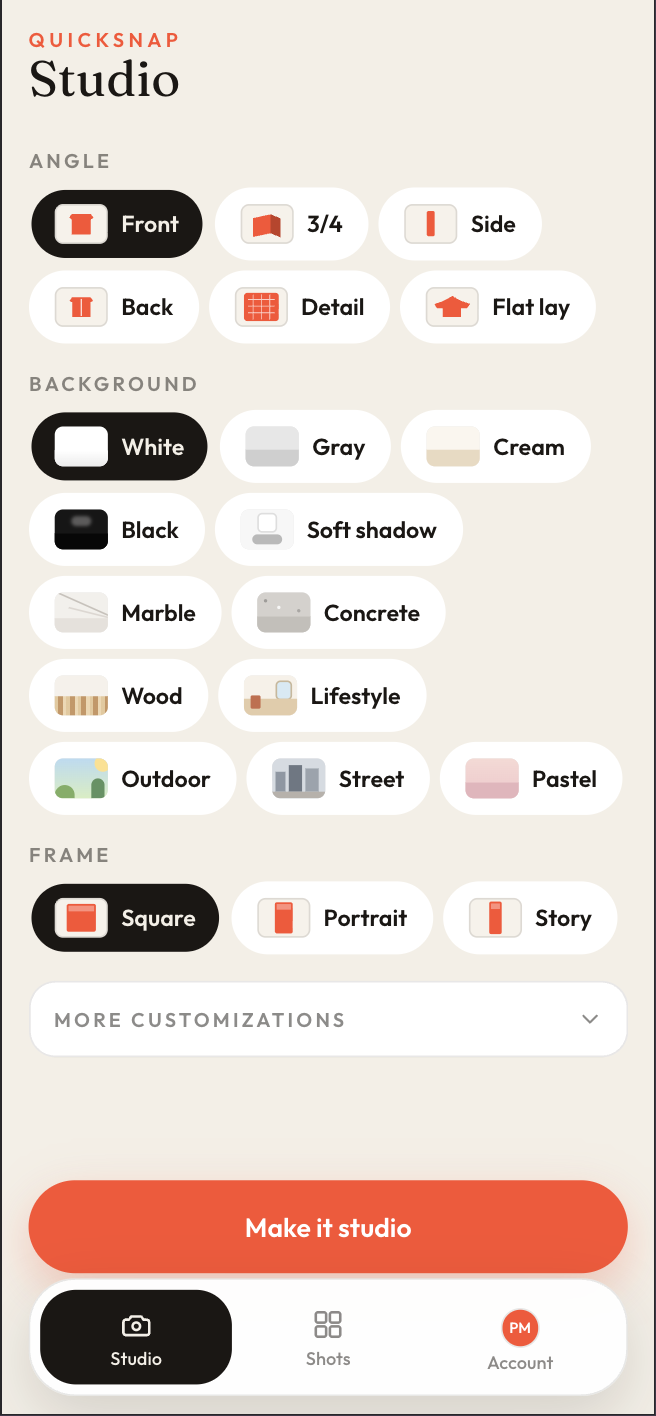
A buyer comparing ten pairs needs the same angle every time. Make the 3/4 Square first. If the page also needs the sole, make a Detail from a phone photo that shows the sole. A side view will not invent a tread that was never in frame. Save each shot from Shots and upload it. The pair on the floor and the pair in the thumbnail should be the same pair.