
Product photos that a careful buyer can trust
How an online seller can turn a phone photo of a product into a listing shot and a lifestyle frame with InstantSnap, and why that photo is what a careful buyer judges.
An online buyer never holds the product first. They hold the photo. A packing table, a roll of tape, and a hand in the frame tell them the shop is unfinished, even when the product is good. InstantSnap starts from that phone photo and gives the product a catalog setting. The buyer can then see the thing they would actually receive.
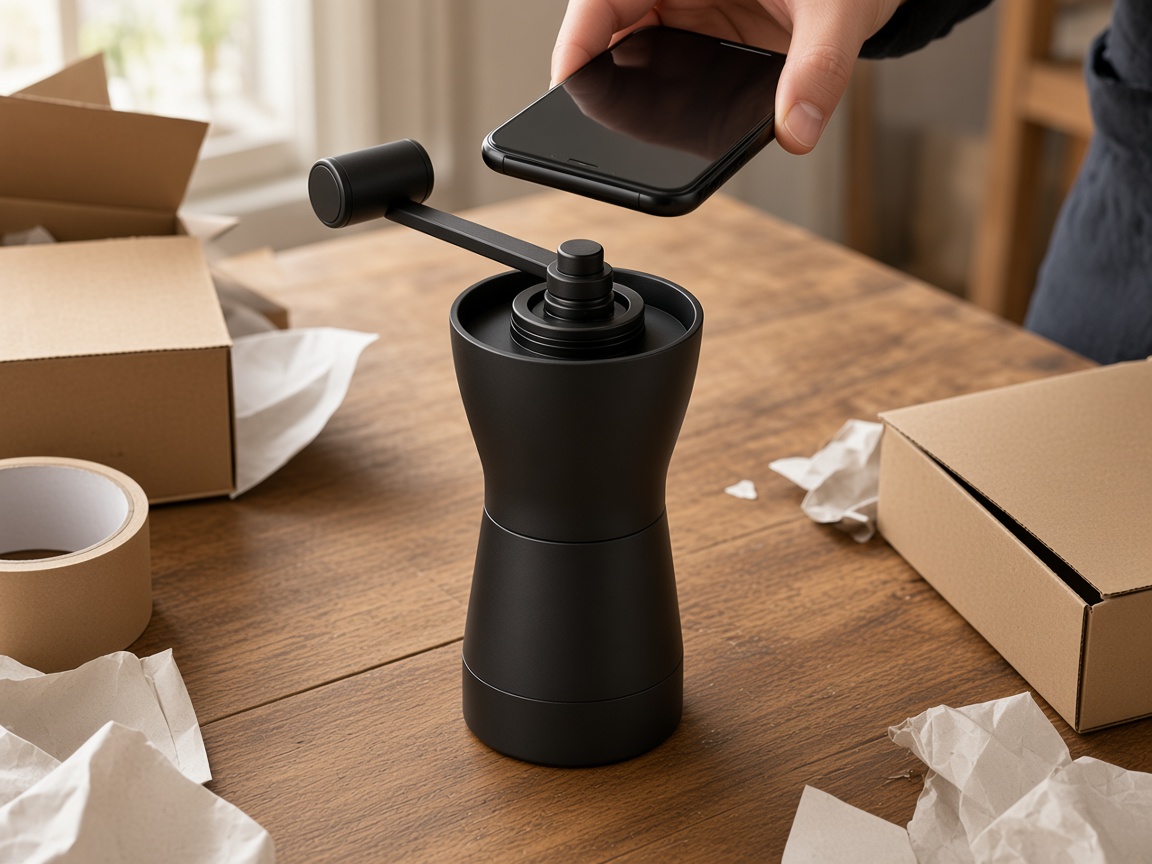
Photograph the product you ship
Fill the frame with one item. Keep it in focus. Include the whole product if the listing needs the shape, and move closer only when a second shot will be a detail. A window is enough light. Boxes, tape, and a wooden table are fine in the phone photo, because InstantSnap is there to replace the room. It is not there to invent a product you did not photograph. Use Choose photo if the picture is already on the phone, or Take photo when the item is on the table.
- One product at a time, so the listing has a single subject.
- Keep the whole object in frame for the main shot, including a handle, a lid, or a base.
- Photograph the real finish. A matte black grinder should not become a glossy one.
- HEIC photos from an iPhone are converted in the studio before the shot is made.
Leave the model off
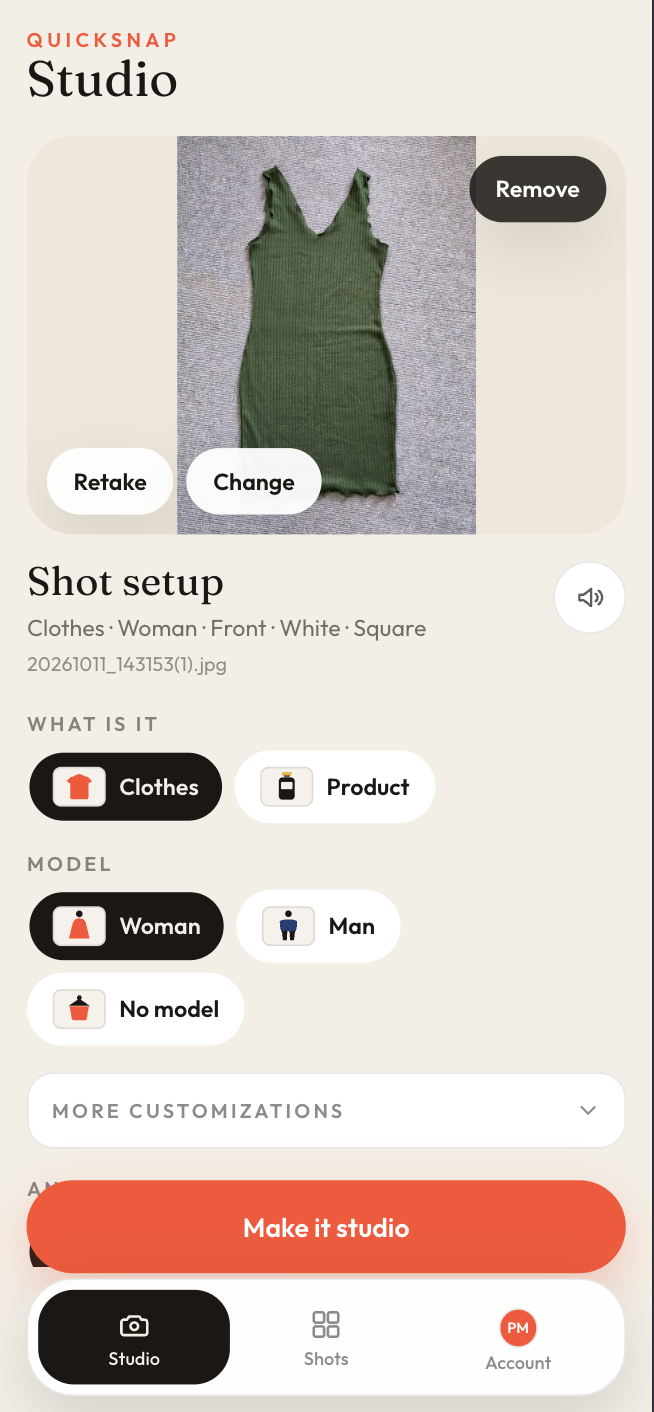
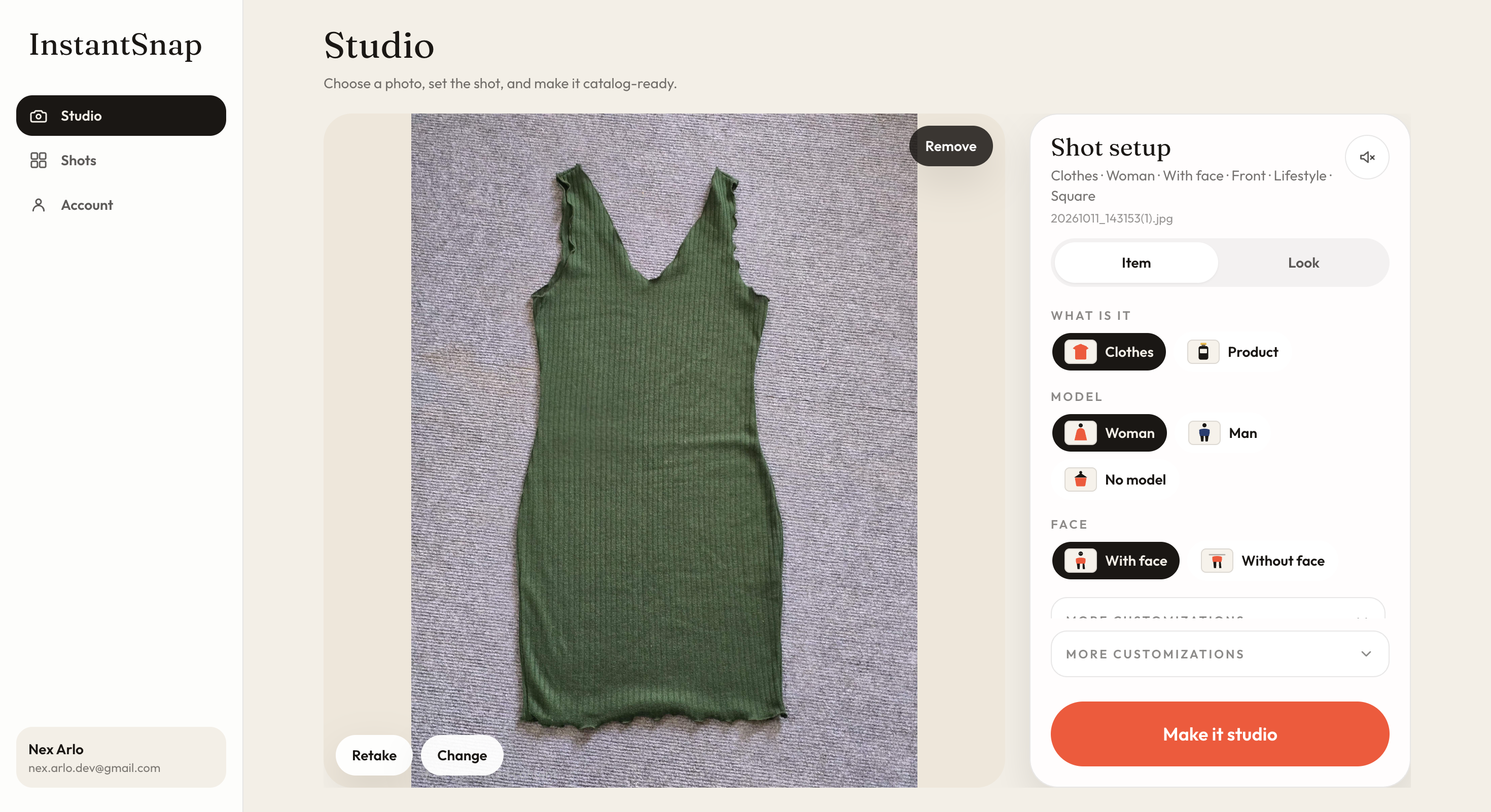
Product is the right category for anything that is not worn: a grinder, a bottle, a lamp, a tool, a pair of shoes you want as a still life. No model keeps the frame on the object. Front is the straightforward listing. 3/4 shows depth, which helps boxes, bottles, and anything with a handle. Side and Back are for products that change from those views. Detail moves in on a dial, a stitch, or a lid. Flat lay puts small goods down.
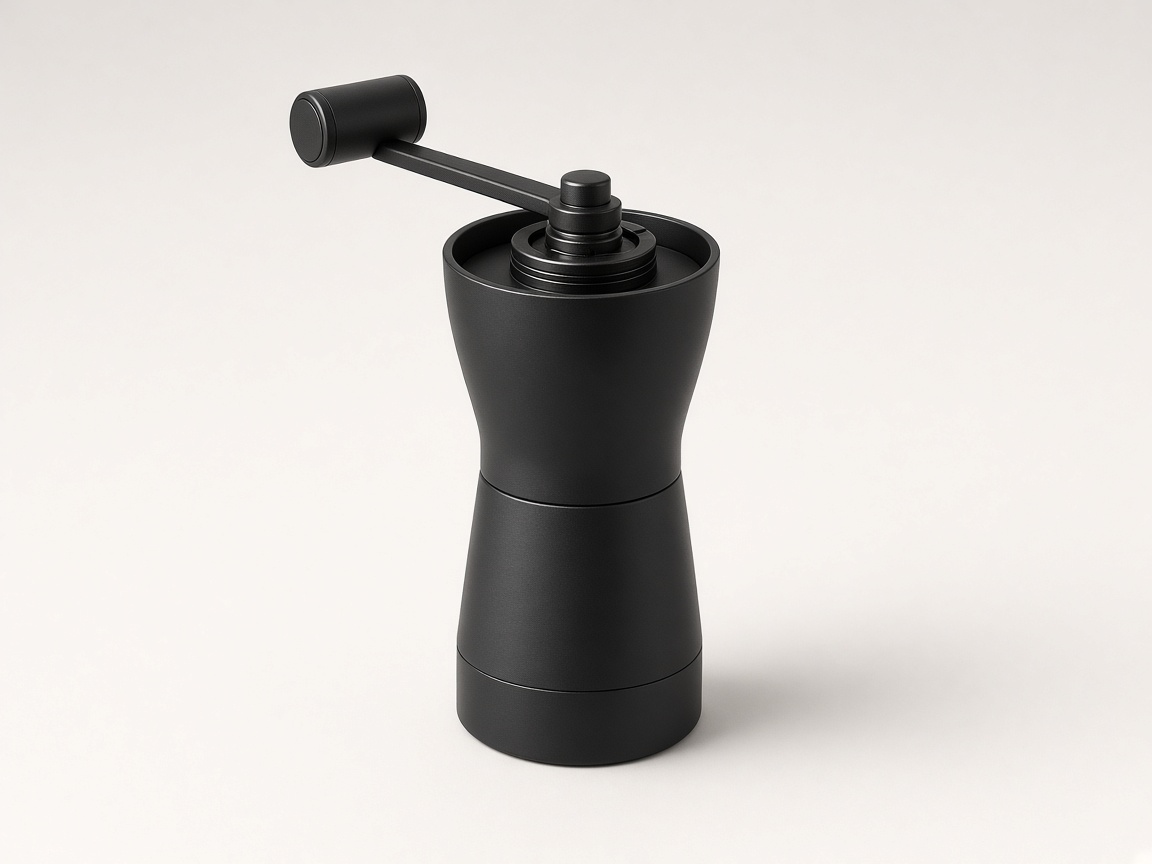
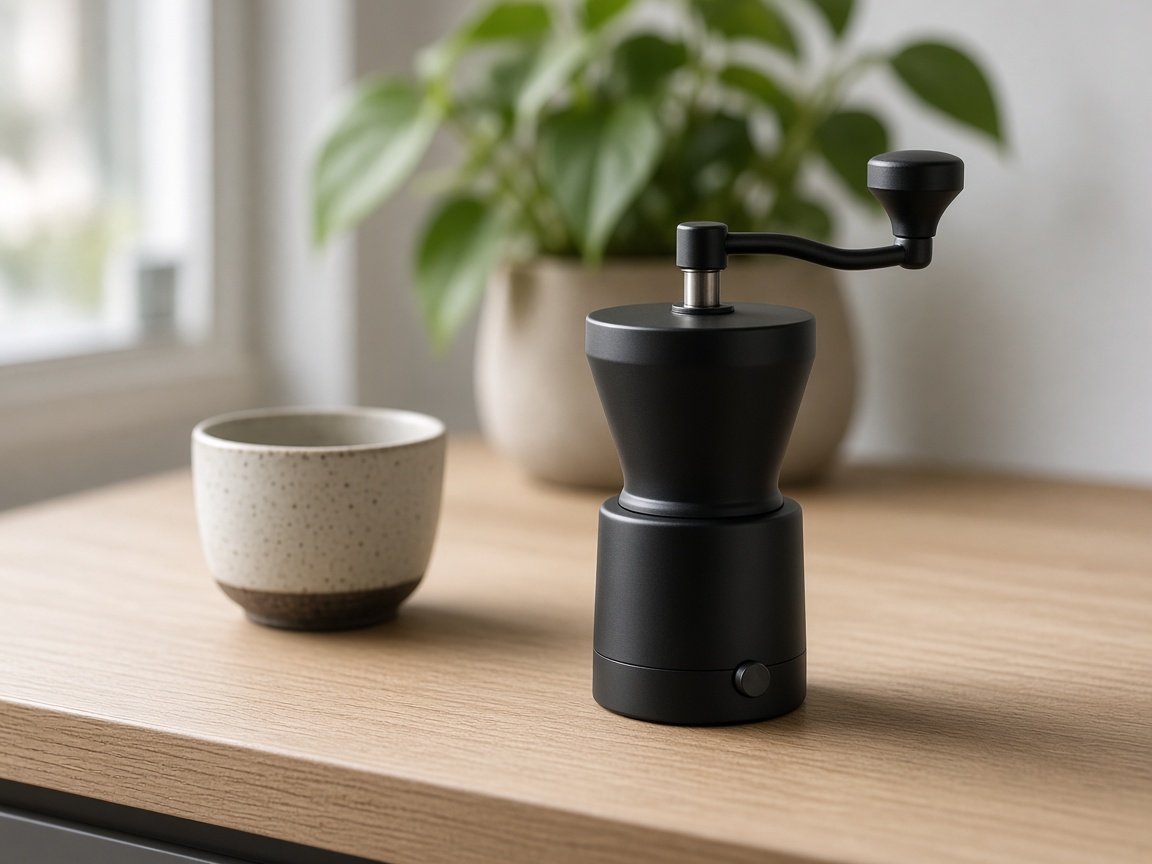
The photo is how the buyer judges the shop
A careful buyer is comparing you with the next listing. They look for the shape, the material, and whether the photo looks like the object that will arrive. A quiet background does that work. White, Gray, Cream, Black, and Soft shadow stay out of the way. Marble, Concrete, and Wood are surfaces. Lifestyle and Outdoor are for one scene, when the page needs a hero rather than a grid. Square fits most product grids. Portrait fits a taller product page. Story is the tall frame for a full-screen placement.
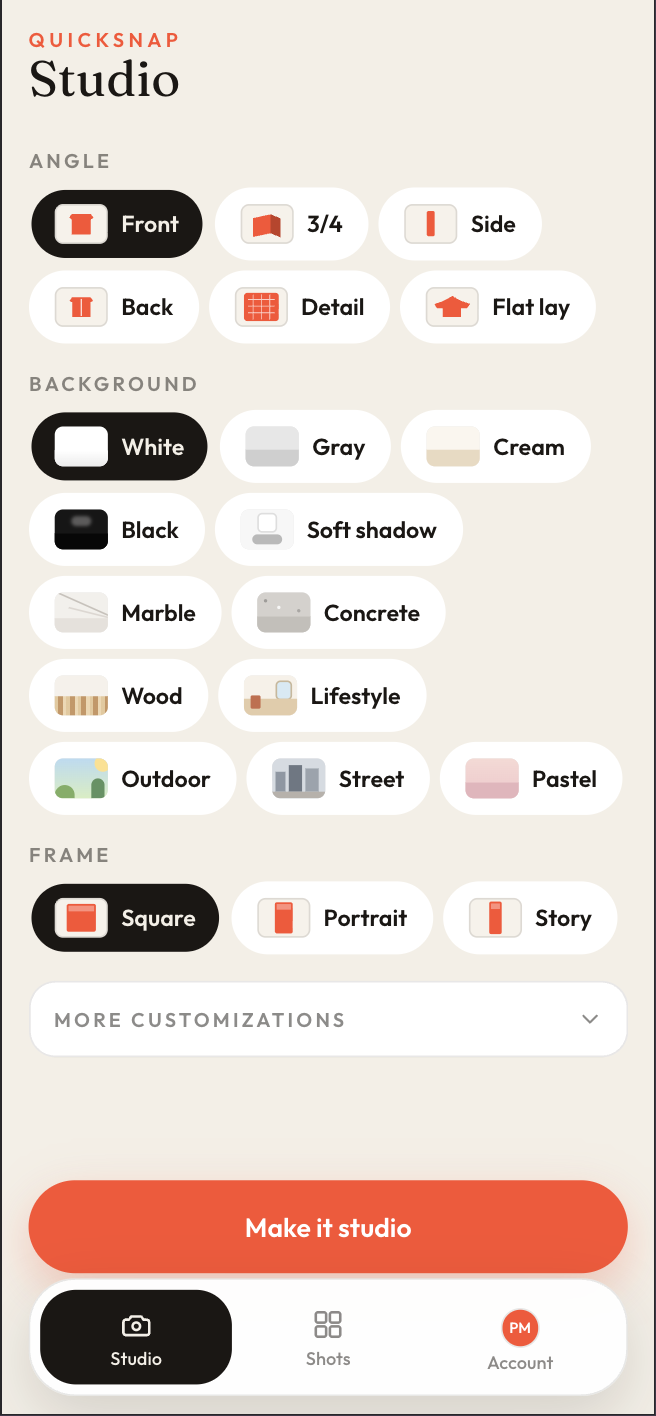
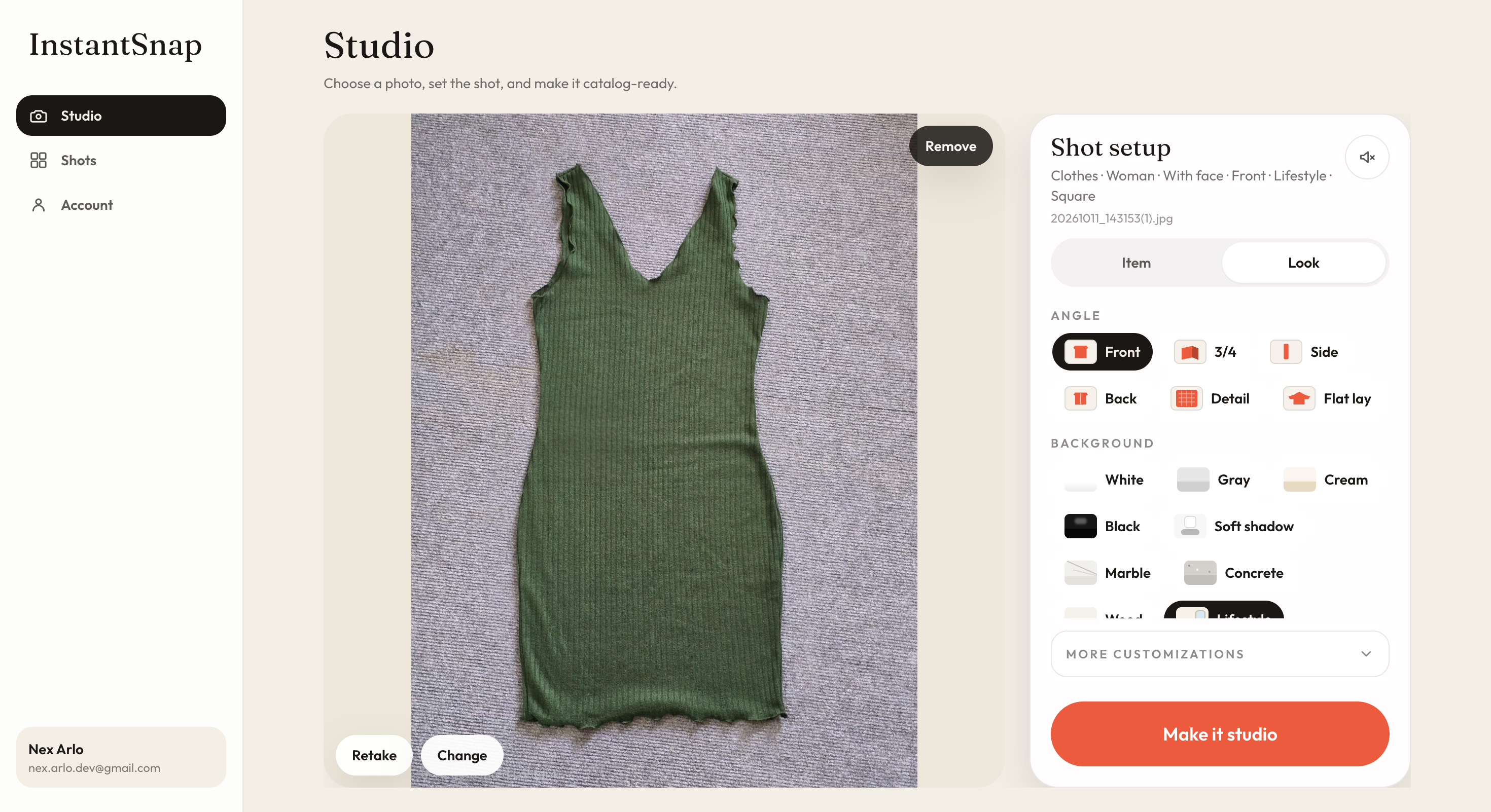
- Use the same background across a grid so the shop looks like one catalog, not a camera roll.
- Make a second shot of the same phone photo when the page needs a hero as well as a thumbnail.
- Keep the product color as photographed unless the listing is deliberately showing another color.
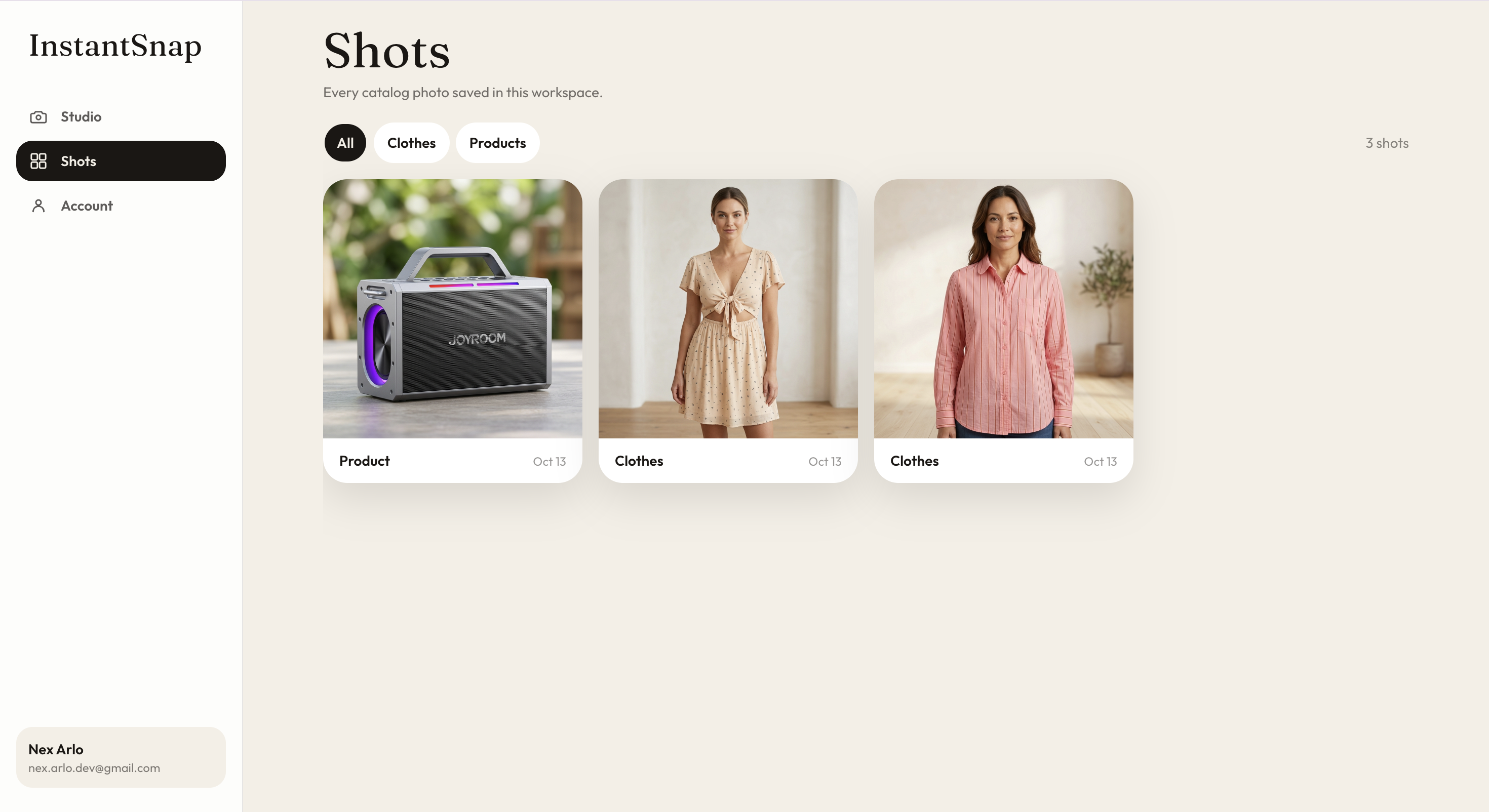
- Filter Shots to Products, open the finished photo, compare it with the original, and save it.
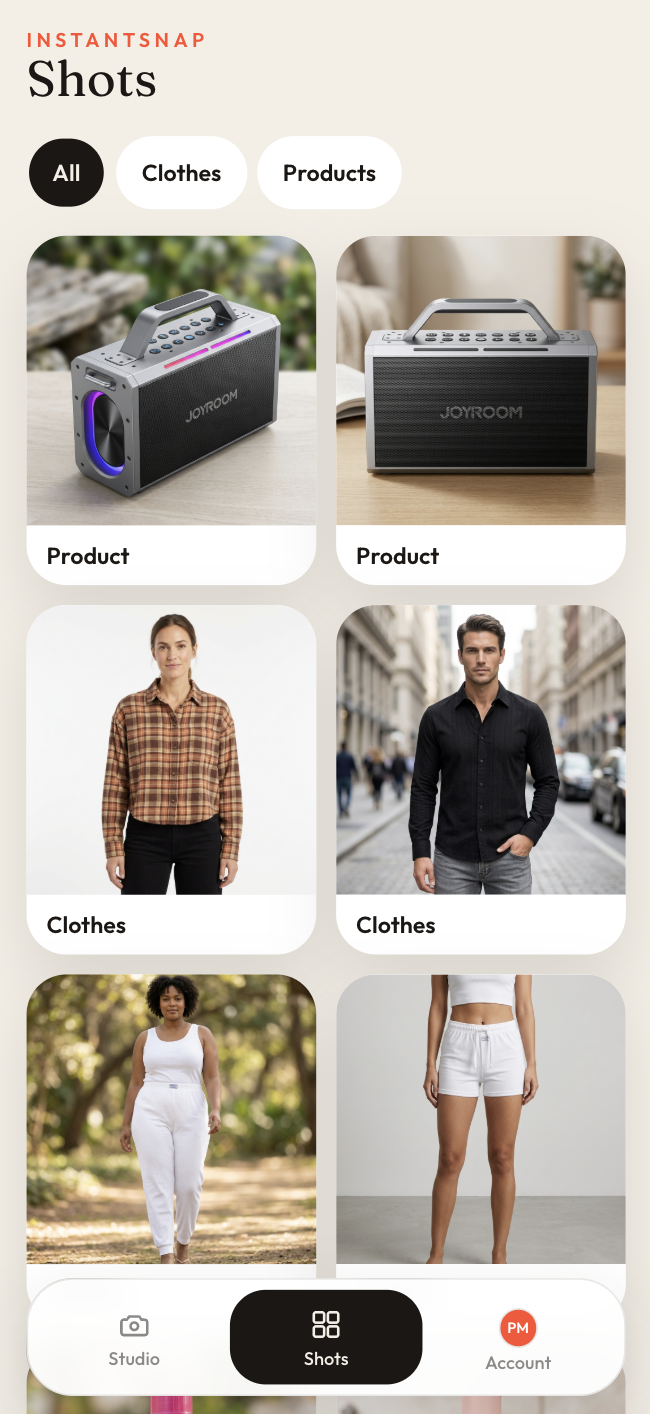
A clear catalog photo does not invent a better product. It lets a careful buyer see the one you sell, without the packing table in the way. That is the photo they use to decide the shop is worth ordering from.