
Jewelry and small accessories, shown close
How to photograph earrings, chains, and other small accessories on a table, then make a detail catalog shot a buyer can judge.
Small goods disappear in a normal phone photo. A pair of hoops next to a glass of tea is a true picture of the table and a poor picture of the jewelry. The buyer cannot judge the size, the finish, or the clasp. InstantSnap helps because Detail and a quiet background give the piece the frame. The phone photo still has to contain the real item.
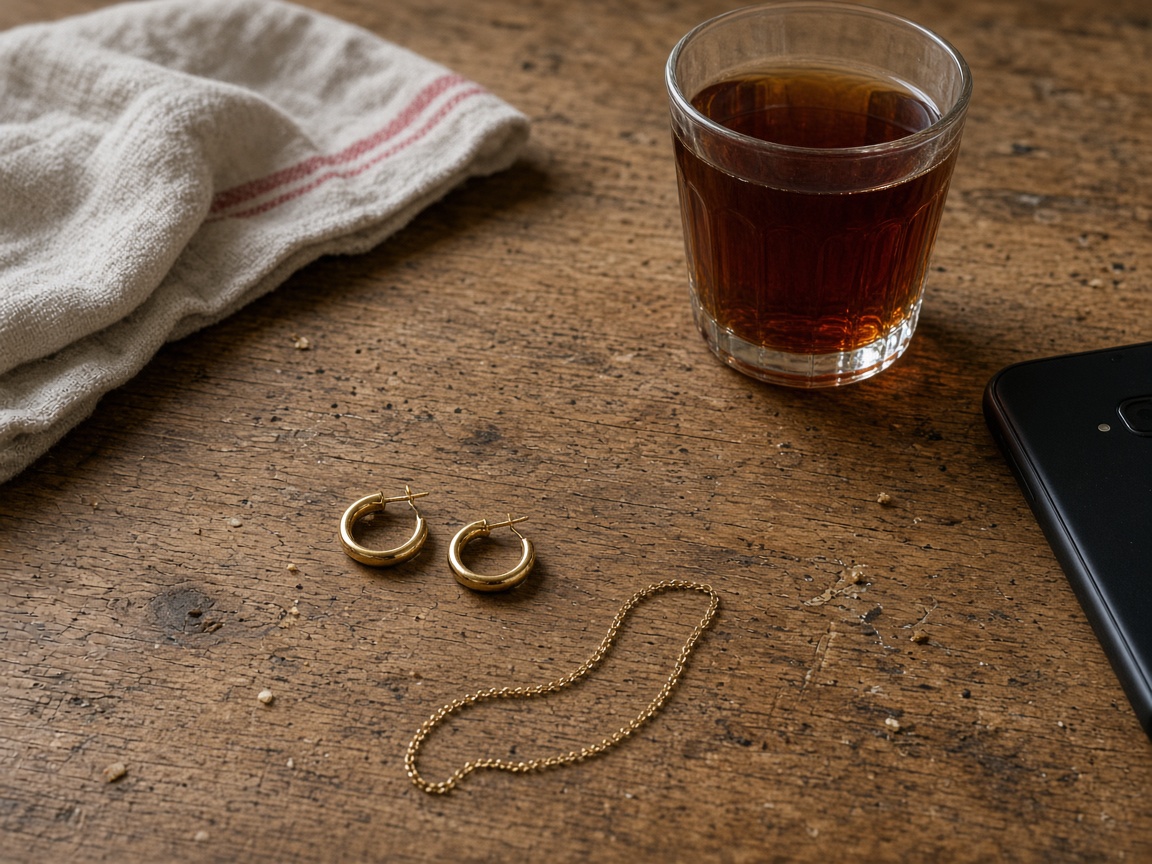
One piece, close, and sharp
Photograph one set at a time. Move close enough that the hoops, the chain, or the clasp are sharp, and keep the whole piece in frame if the buyer needs the length. A window is enough light. Reflections on metal are part of the real finish. The studio shot should not turn a plated chain into a different metal. Choose Product. Jewelry in this listing is an object, so leave the model off.
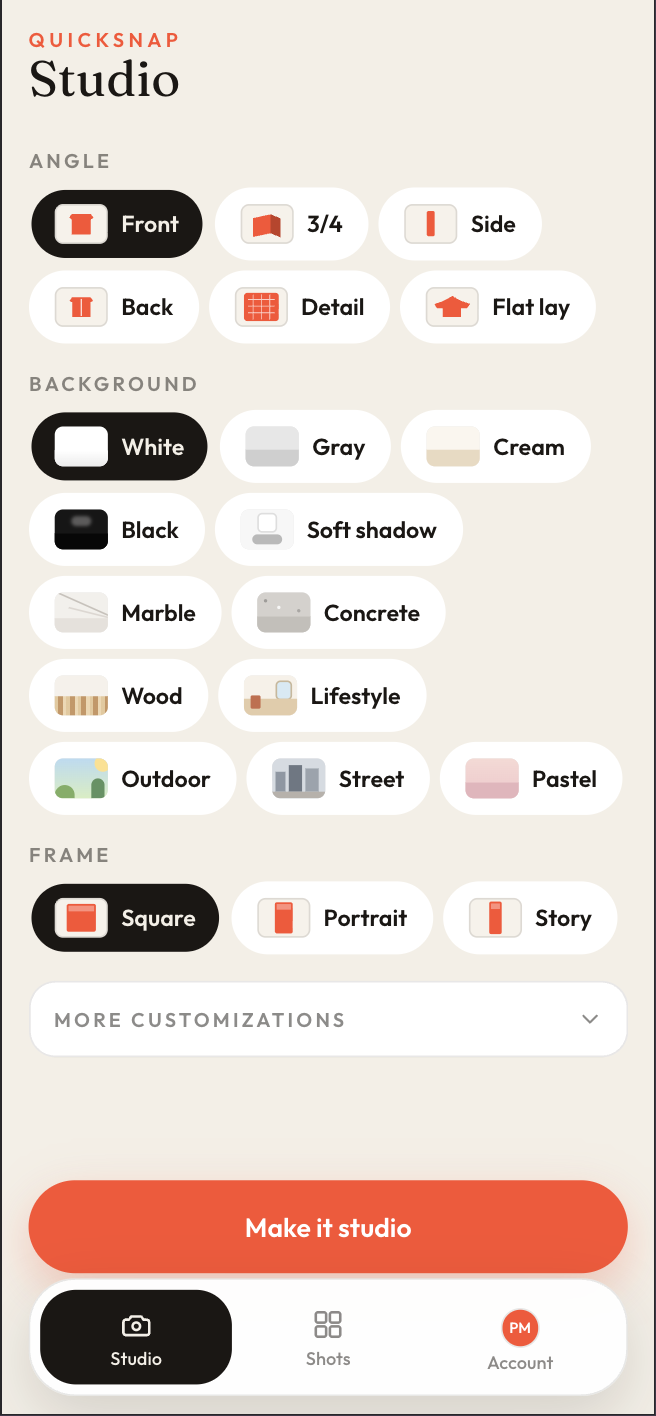
- Detail for the clasp, the hoop, or a stone.
- Flat lay for a small set that should sit on the background.
- 3/4 when the piece has depth, such as a bangle or a small bag.
- Cream, White, Marble, or Soft shadow. Black when a light metal needs contrast.
- Square for a grid of small goods. Portrait if the chain is long.
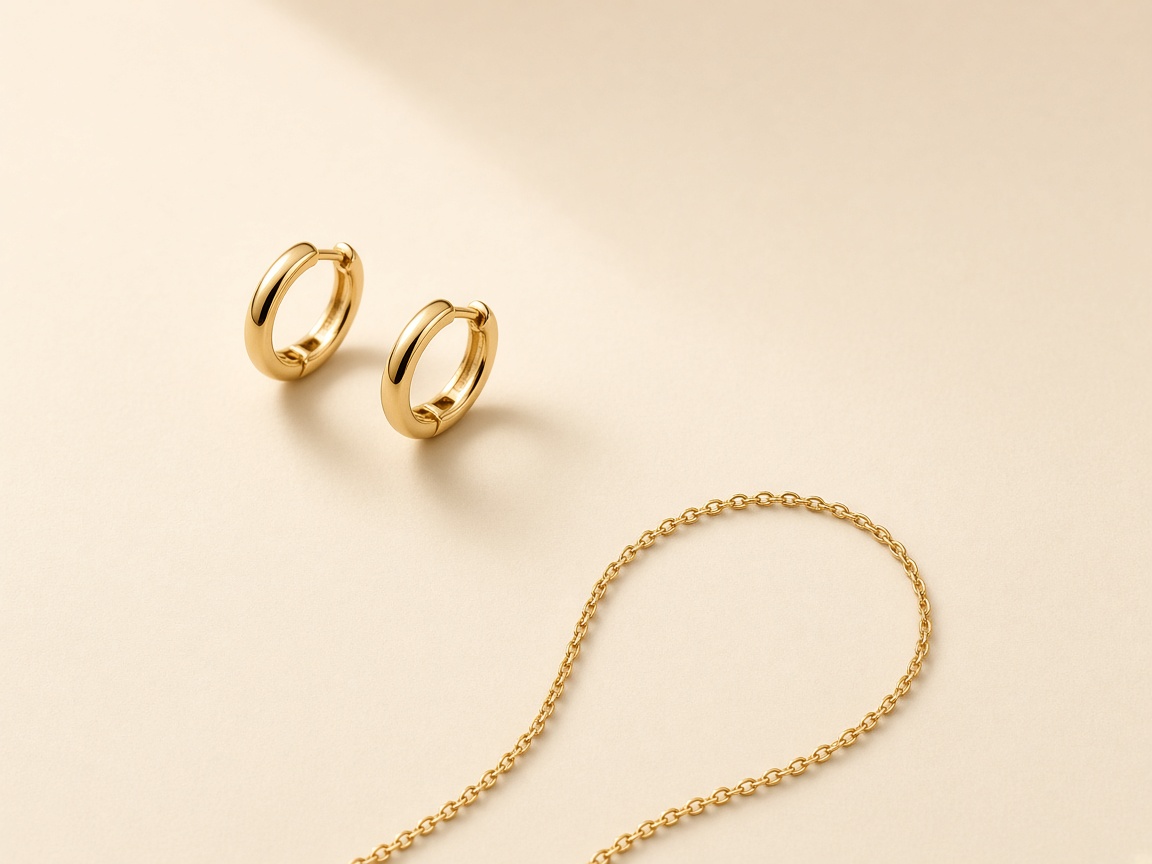
A second shot from the same phone photo can be a tighter Detail if the first frame showed the whole set. Both count toward the monthly allowance. Open the shot, compare it with Original, and save it when the finish still looks like the piece on the table. That comparison matters for metal, because a buyer of a small accessory is buying the finish.