
Professional clothing photos without a photo shoot
How a clothing store can turn a phone photo of a garment into a model shot, a flat lay, or a lookbook frame with InstantSnap, and skip the cost of a studio day.
A clothing store used to book a photographer, a model, and a room with a backdrop before a new shirt could go on the site. That day is expensive, and it is hard to repeat every time a color or a delivery arrives. InstantSnap starts from the garment you already have. Photograph it on a counter or a shop floor, then make the catalog photo in the studio.
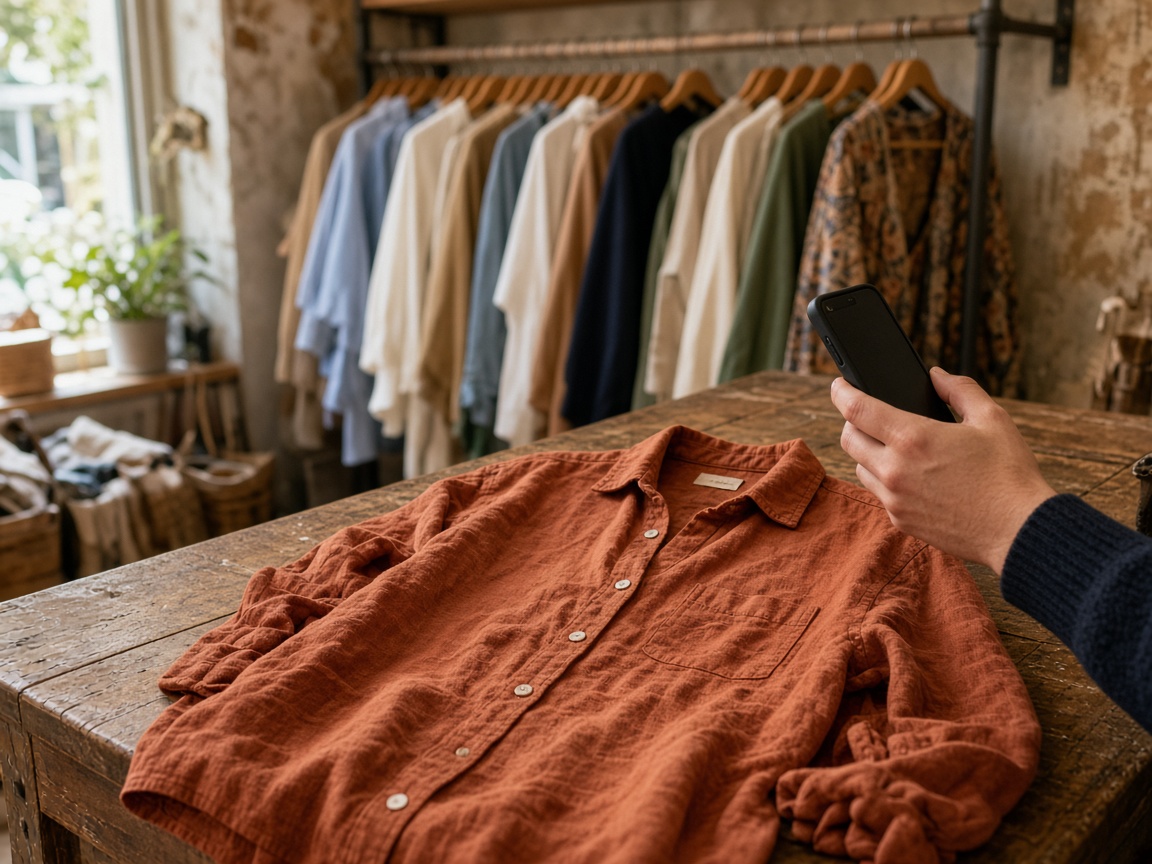
Photograph the garment, not the set
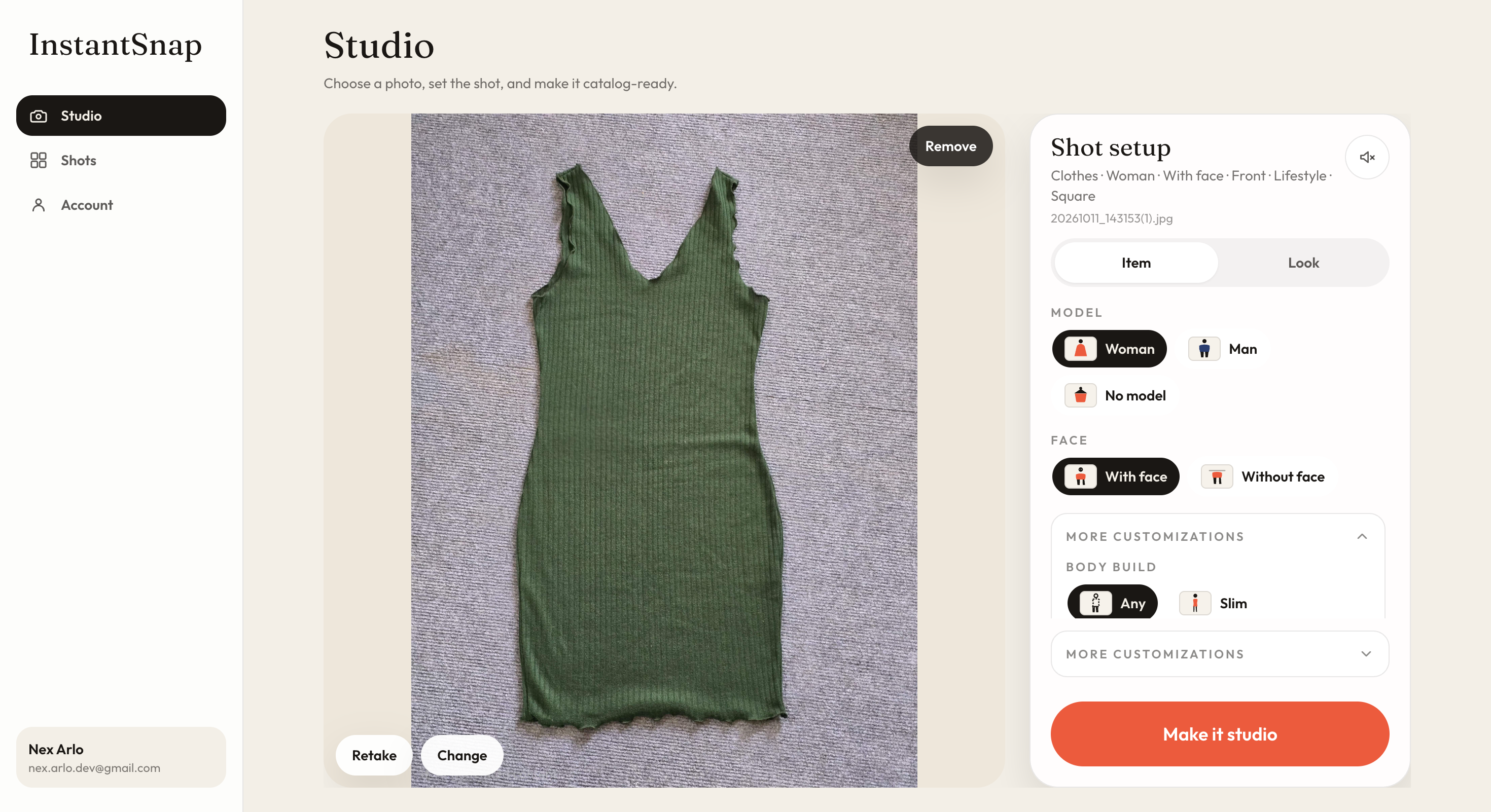
Fill the frame with one piece. Keep it in focus. A window is enough light. Wrinkles, a wooden counter, and a clothing rack in the background are fine, because InstantSnap is there to replace the room. It is not there to invent a shirt you did not photograph. Use Choose photo if the picture is already on the phone, or Take photo when the garment is in front of you.
- Photograph one garment at a time so the shot has a single subject.
- Include the whole piece if you want it worn, and the whole piece again if you want a flat lay.
- Keep the collar, the hem, and the sleeves in frame when the shopper needs to see them.
- HEIC photos from an iPhone are converted in the studio before the shot is made.
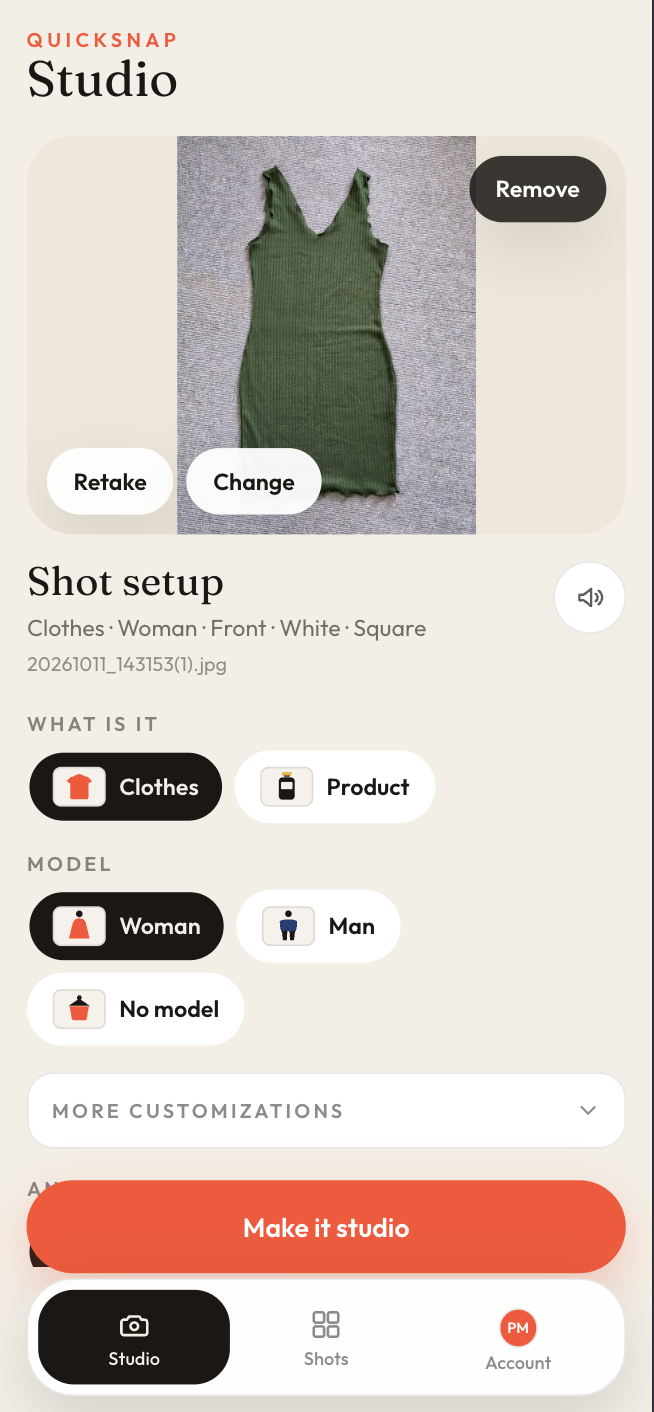
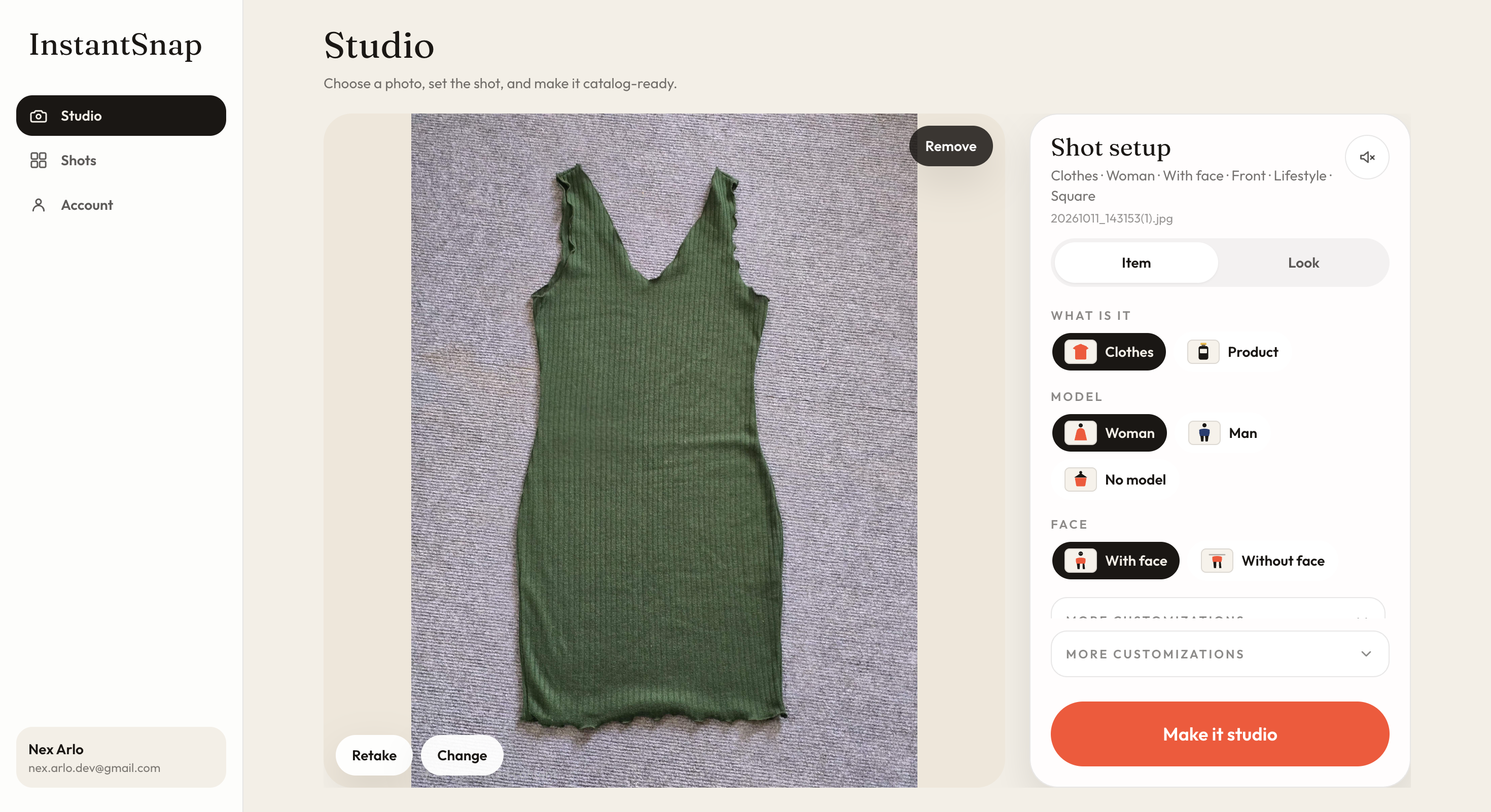
Put the clothes on a model without hiring one
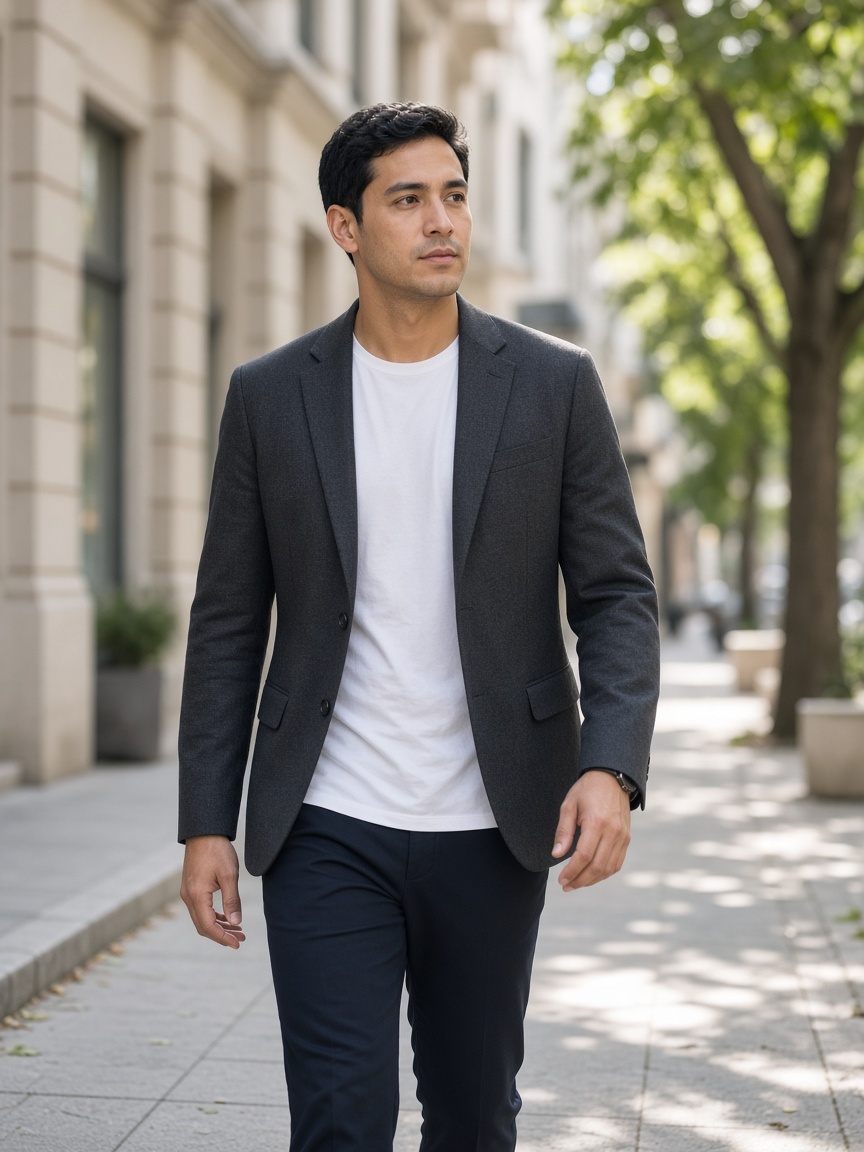
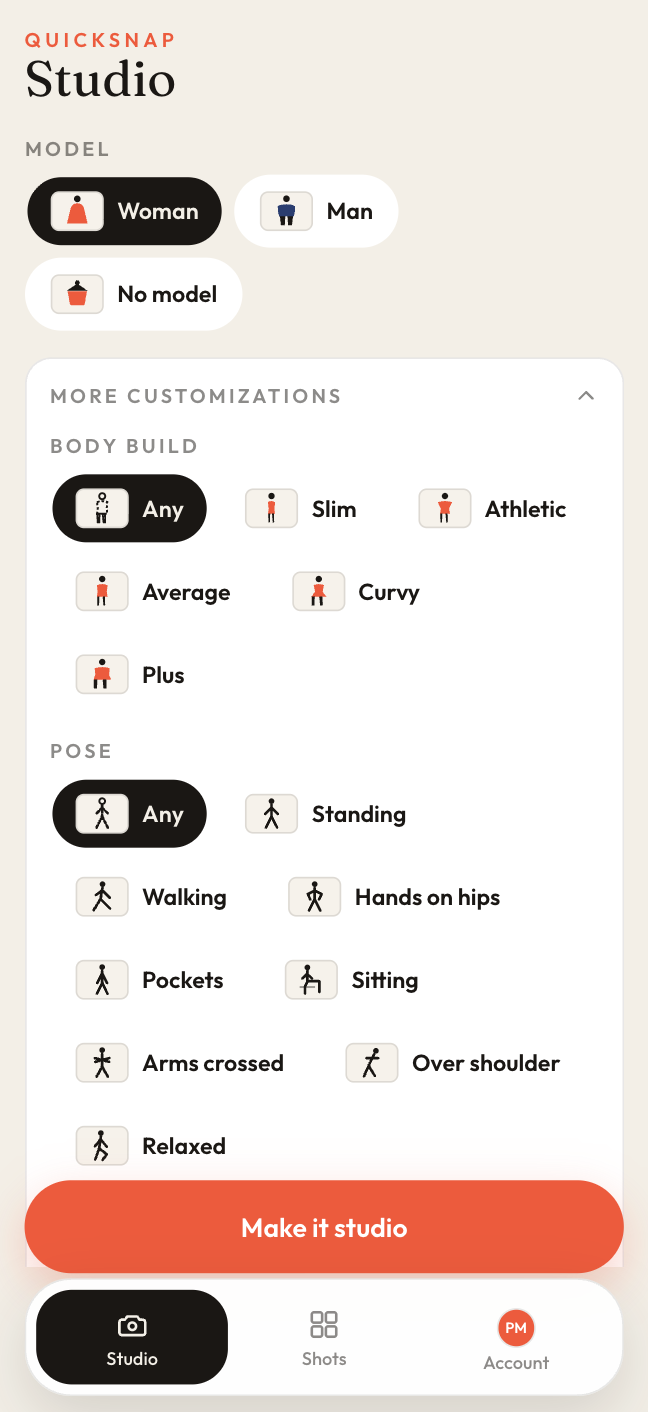
Choose Clothes, then Woman or Man. More customizations is where the model becomes specific: body build, pose, skin tone, and hair color. Leave a control on Any when the listing does not need that detail. Set it when the photo should match the customer you sell to. No model leaves the garment alone, which is the right choice for a flat lay.
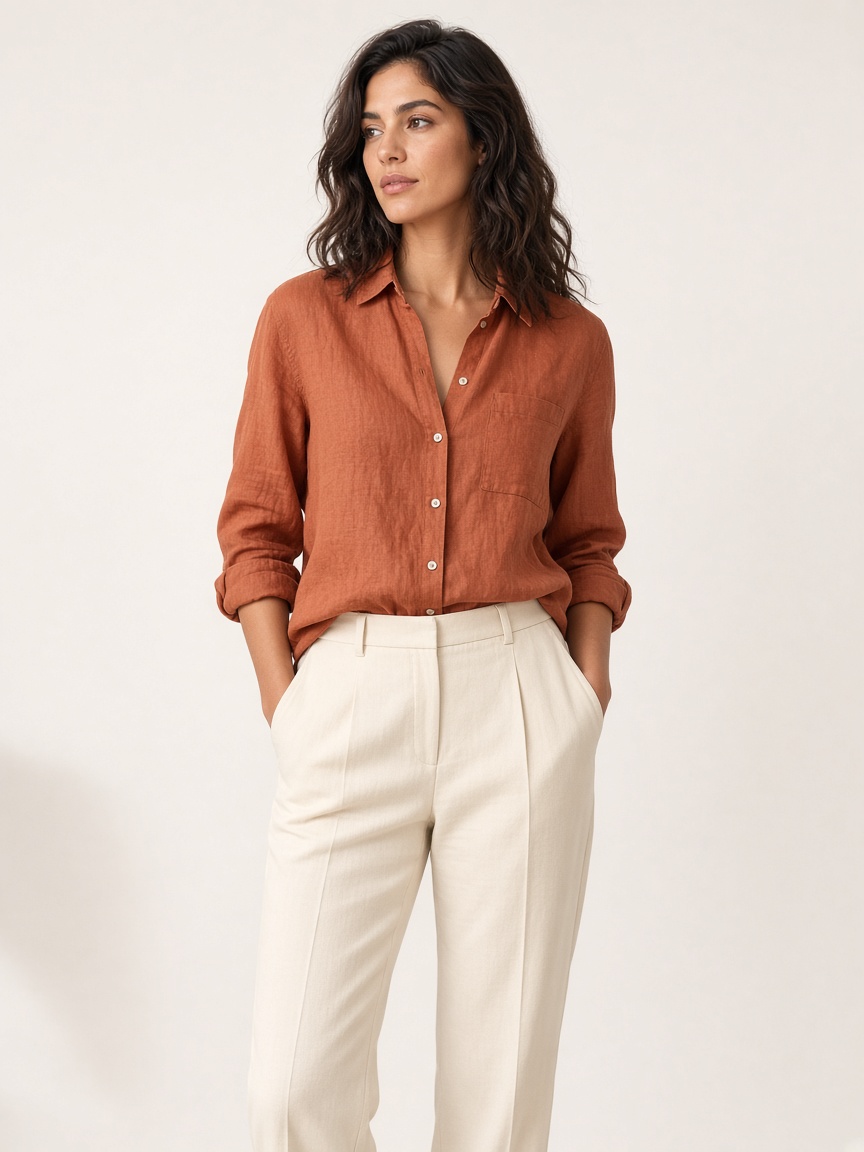
Make the frame the store actually needs
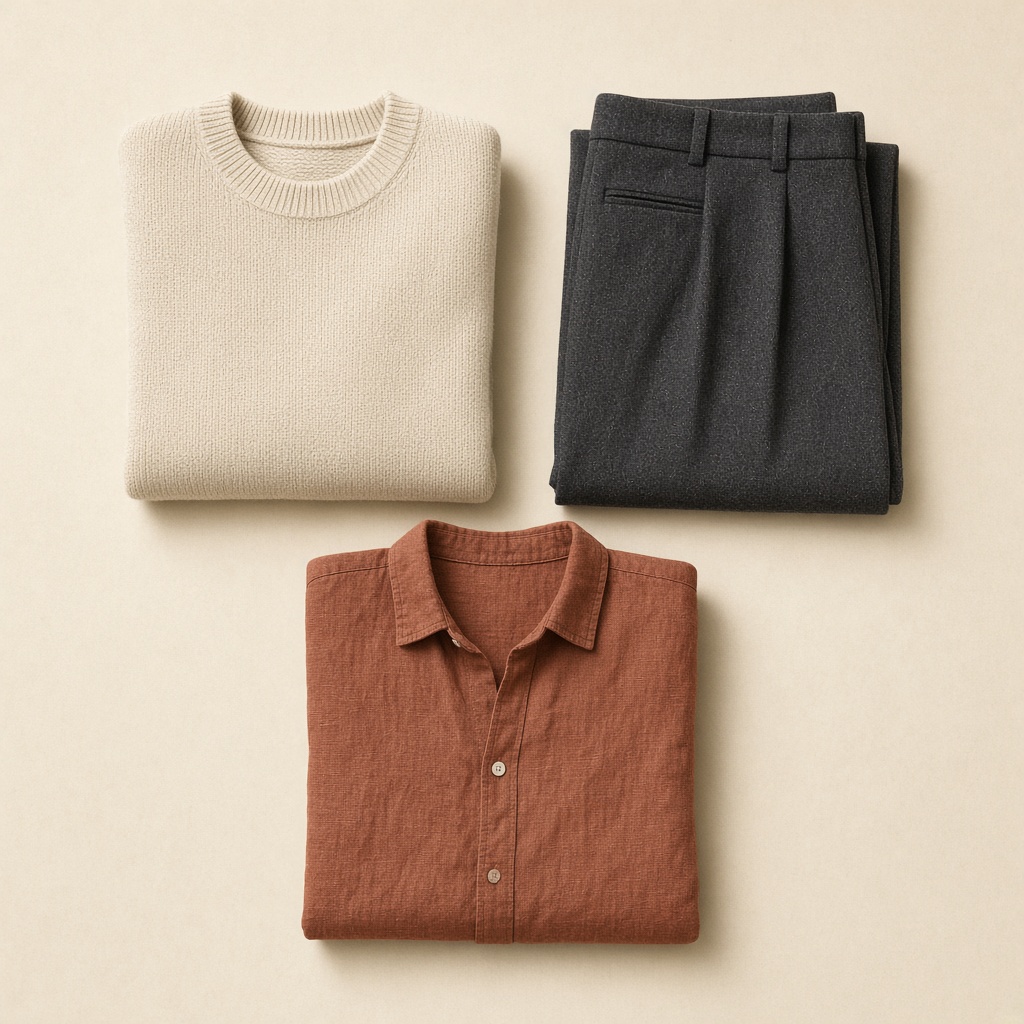
A product grid wants Square and a quiet background: White, Gray, Cream, Black, or Soft shadow. A product page can use Portrait. A story or a social placement can use Story, with Lifestyle, Outdoor, or Street when the photo is a single hero. Front is the straightforward listing. 3/4 and Side show the cut. Back shows a print or a seam. Detail moves in on a button or a stitch. Flat lay puts the piece down.
What you are not paying for
A traditional clothing shoot stacks costs before the first usable file: the photographer’s day, the model’s day, the studio or the location, and the retouching after. A new color or a missed angle means another booking. With InstantSnap, the same phone photo can become a front catalog shot, a back view, a flat lay, and a lookbook frame. Each of those is its own studio shot, and each one counts toward the monthly photo allowance on your plan. You are not paying for a room, a crew, or a reshoot just to change the background.
- White or Soft shadow for the product grid.
- Portrait and a model for the product page.
- Street, Outdoor, or Lifestyle when the listing needs one scene.
- Another shot from the same phone photo when the store needs a second frame.
Finished photos land in Shots. Filter to Clothes, open a shot, compare it with the original phone photo, and save it. The library is the catalog. The camera roll is not.
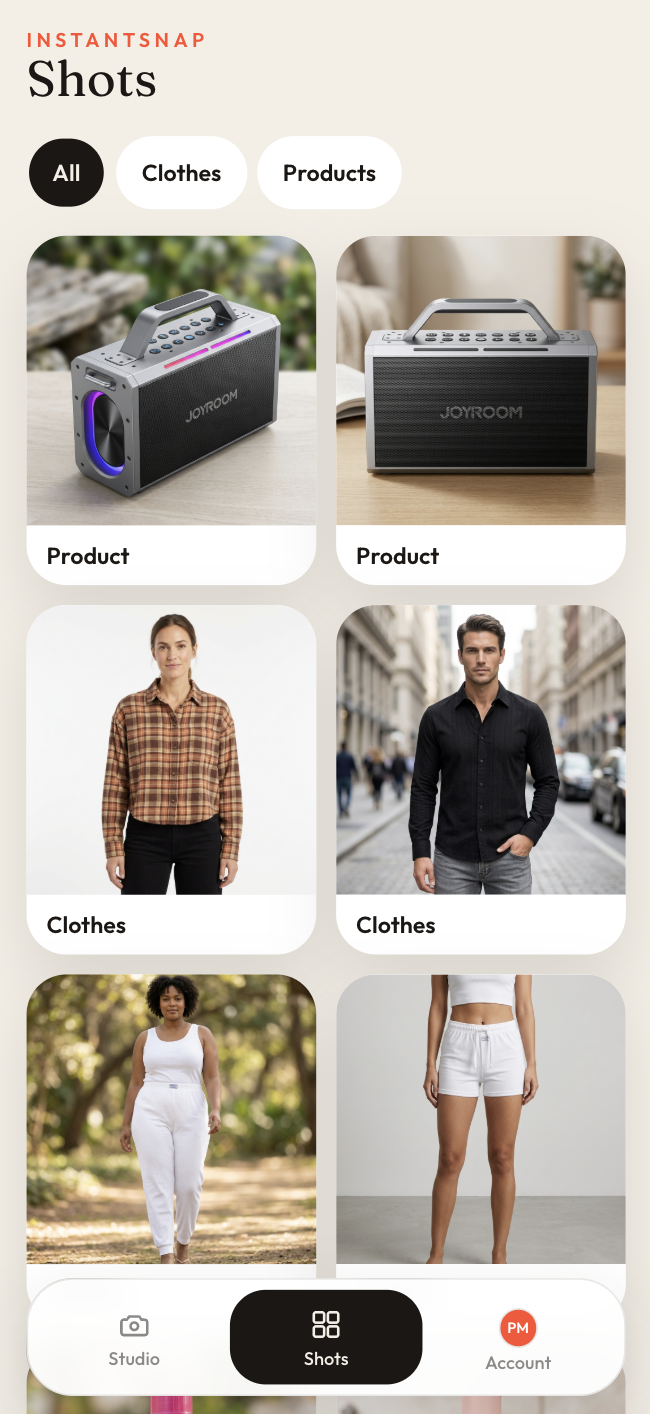
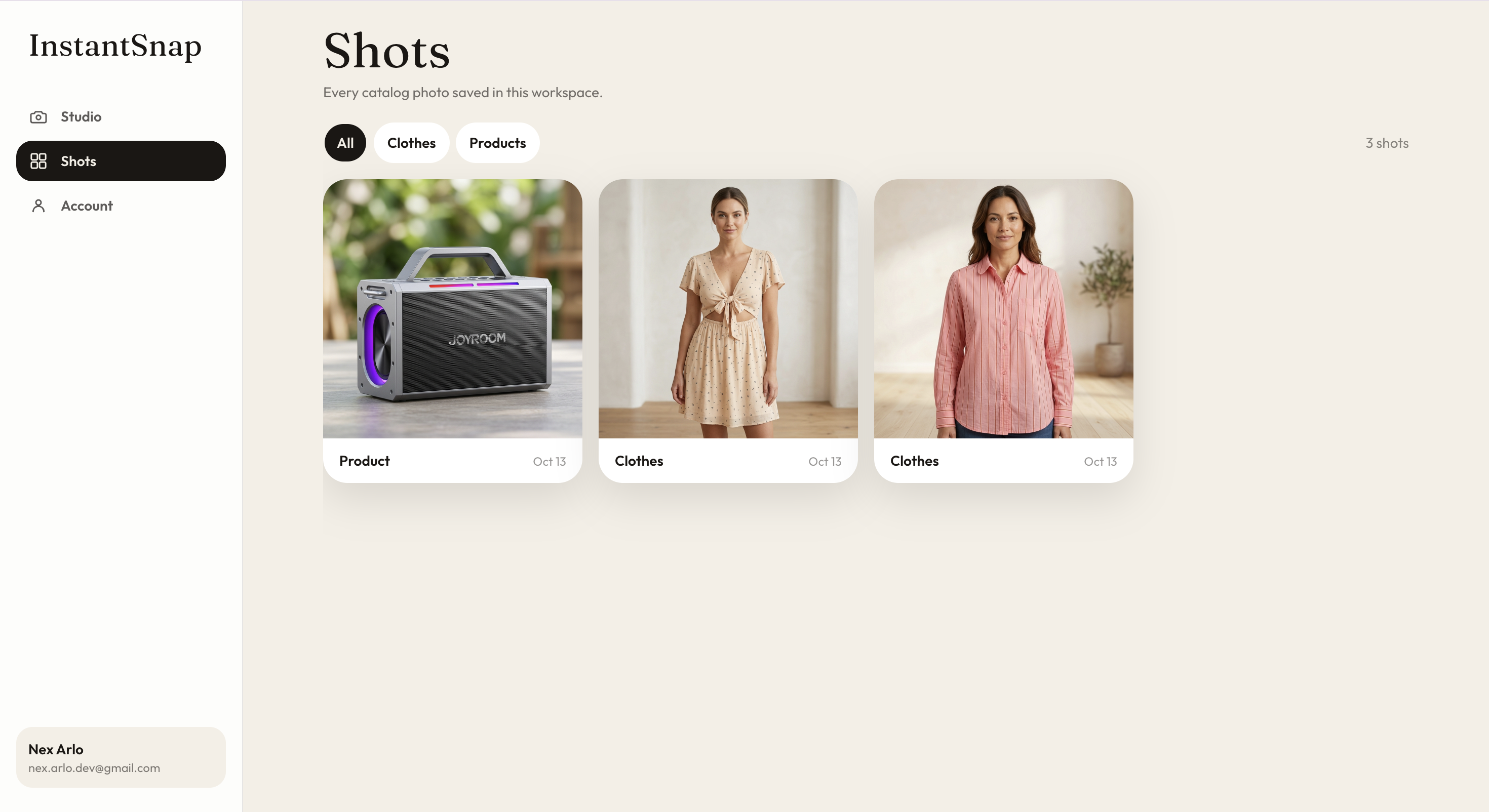
The garment still has to be real, and the phone photo still has to show it clearly. InstantSnap replaces the photo shoot around that garment. It does not replace the garment.