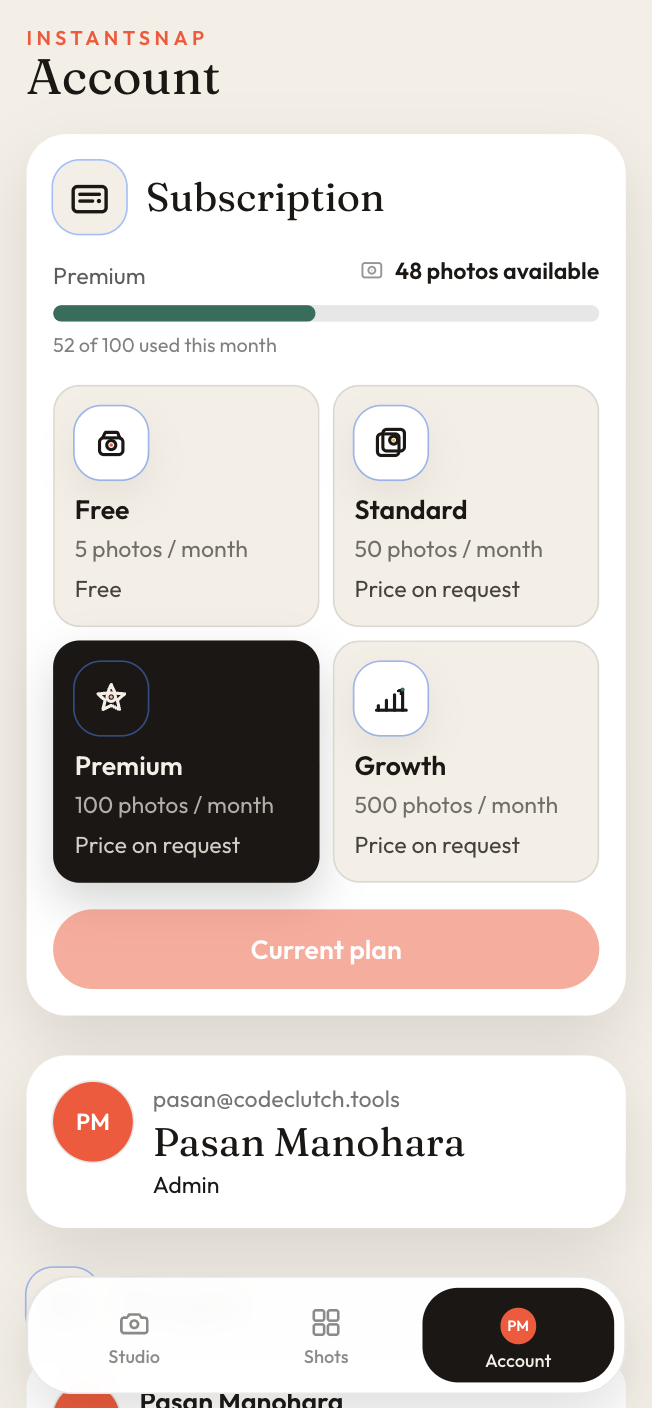
Check your plan and photo allowance
See how many studio shots are left this month, and what Free, Standard, Premium, and Growth include.
01
Open Account
Account is where the workspace plan lives. The subscription card names the current plan and how many photos are still available this month.
02
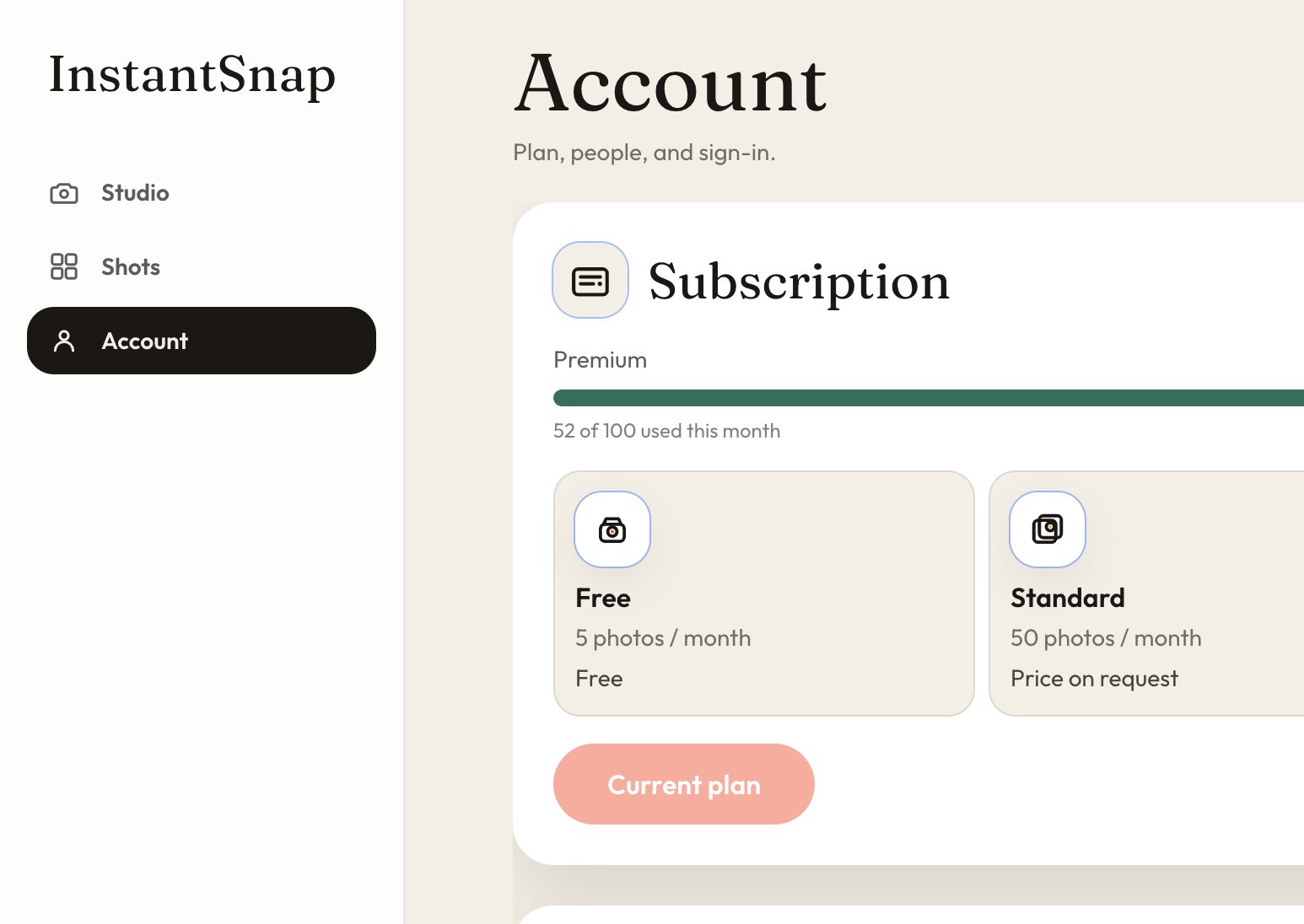
Read the monthly allowance
Free includes 5 photos a month. Standard includes 50, Premium 100, and Growth 500. The bar shows how many of that allowance are already used. A finished studio shot counts. The Free plan has no charge. Paid plans show their price in the app before you pay. If a price is not set yet, the card says Price on request.
03
Stay on the current plan or request another
The plan you are on is marked Current plan. Choosing another plan lets you request it from this screen. Sign out is on the same page when you are done.