Find a shot and save the photo
Filter the Shots library, open a finished catalog photo, compare it with the original, and save it.
01
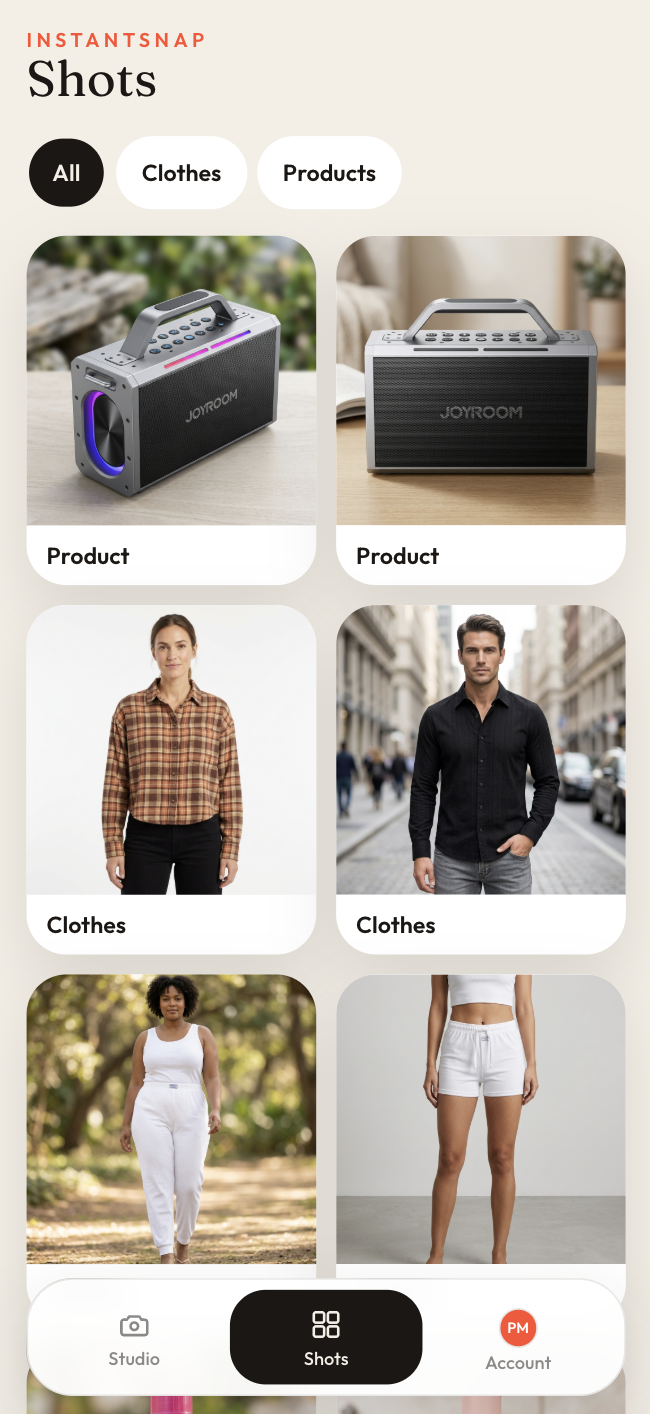
Open Shots
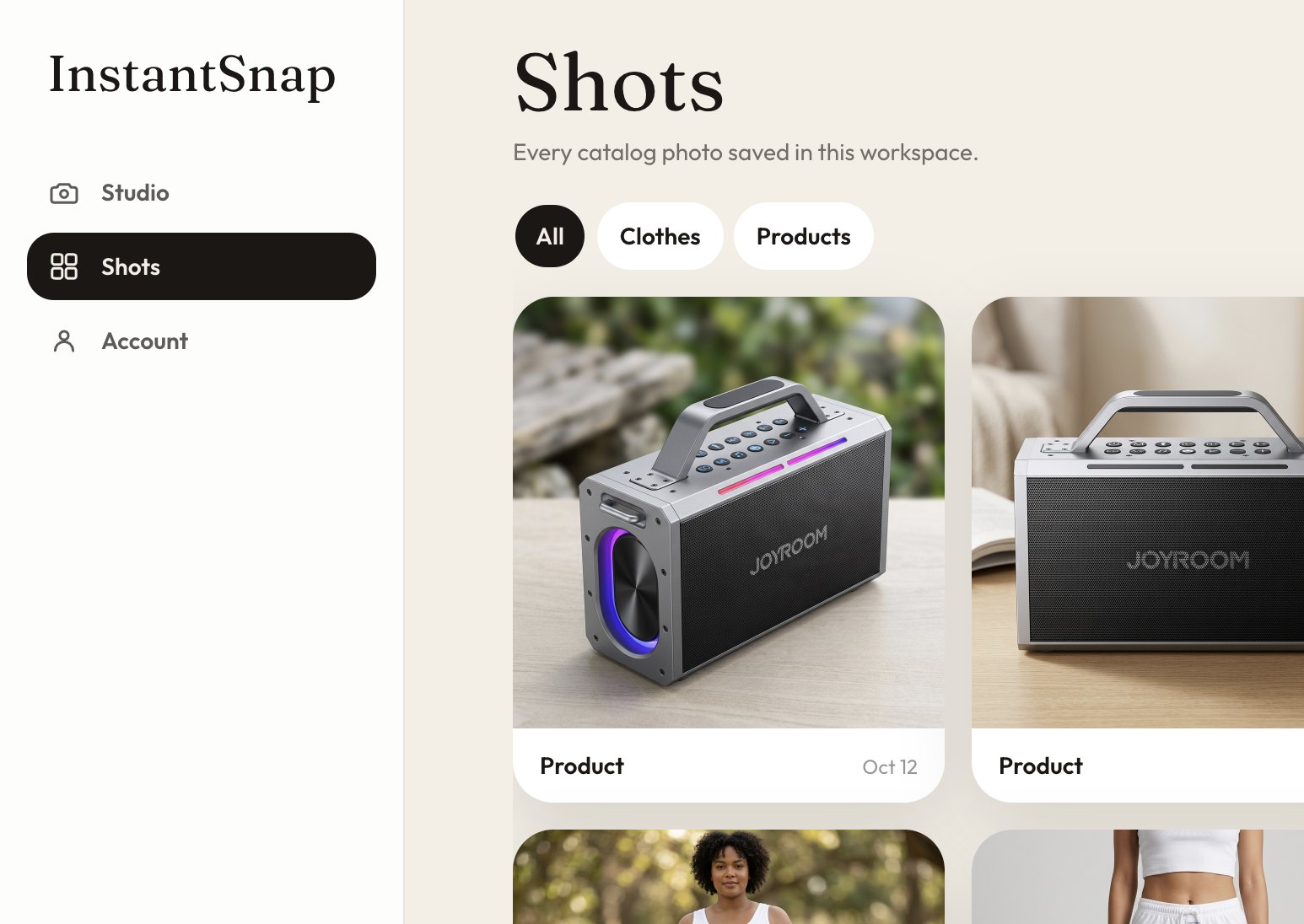
Shots keeps every catalog photo in the workspace. Filter with All, Clothes, or Products. Each card shows the kind of shot and the day it was made.
02
Open the finished photo
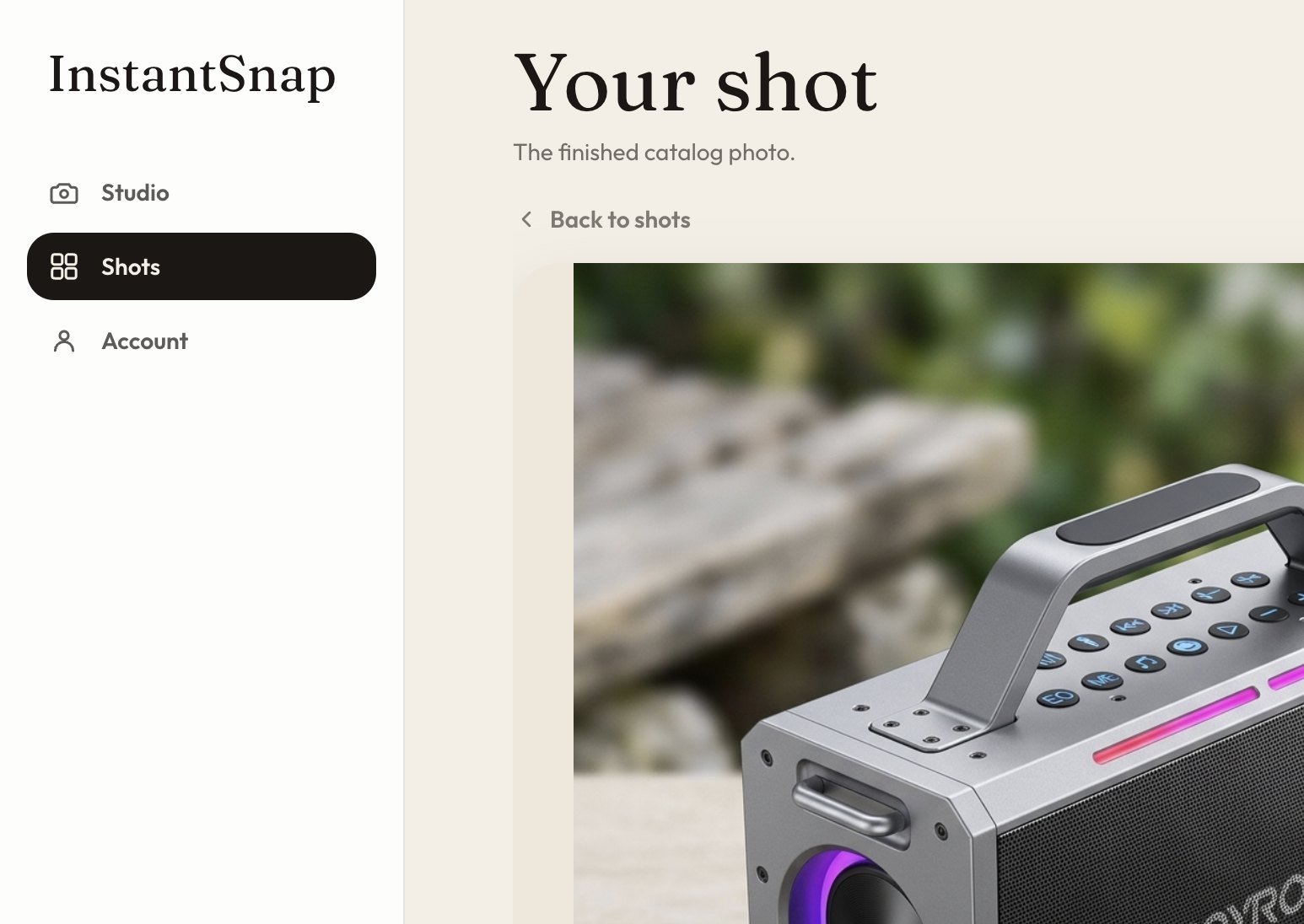
A shot page is titled Your shot. The large photo is the catalog result. Original switches back to the phone photo so you can compare. The details list category, angle, color, background, and frame.
03
Save it
Save photo downloads the studio shot to your device. Delete shot removes that photo from the workspace. Use Back to shots to return to the library.