Put clothes on a model
Choose Clothes, pick a model, then set body build, pose, skin tone, and hair color before you make the shot.
01
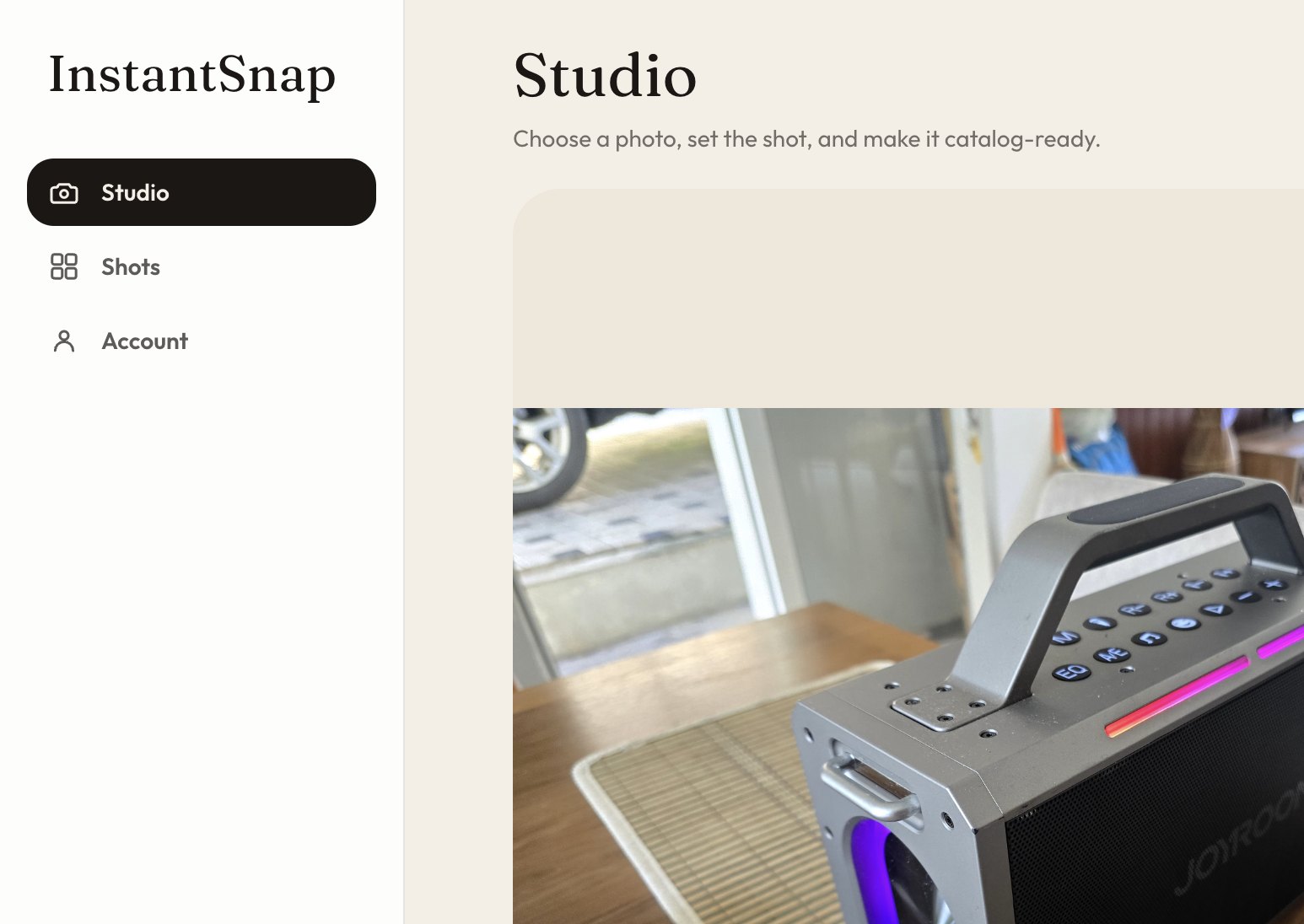
Choose Clothes and a model
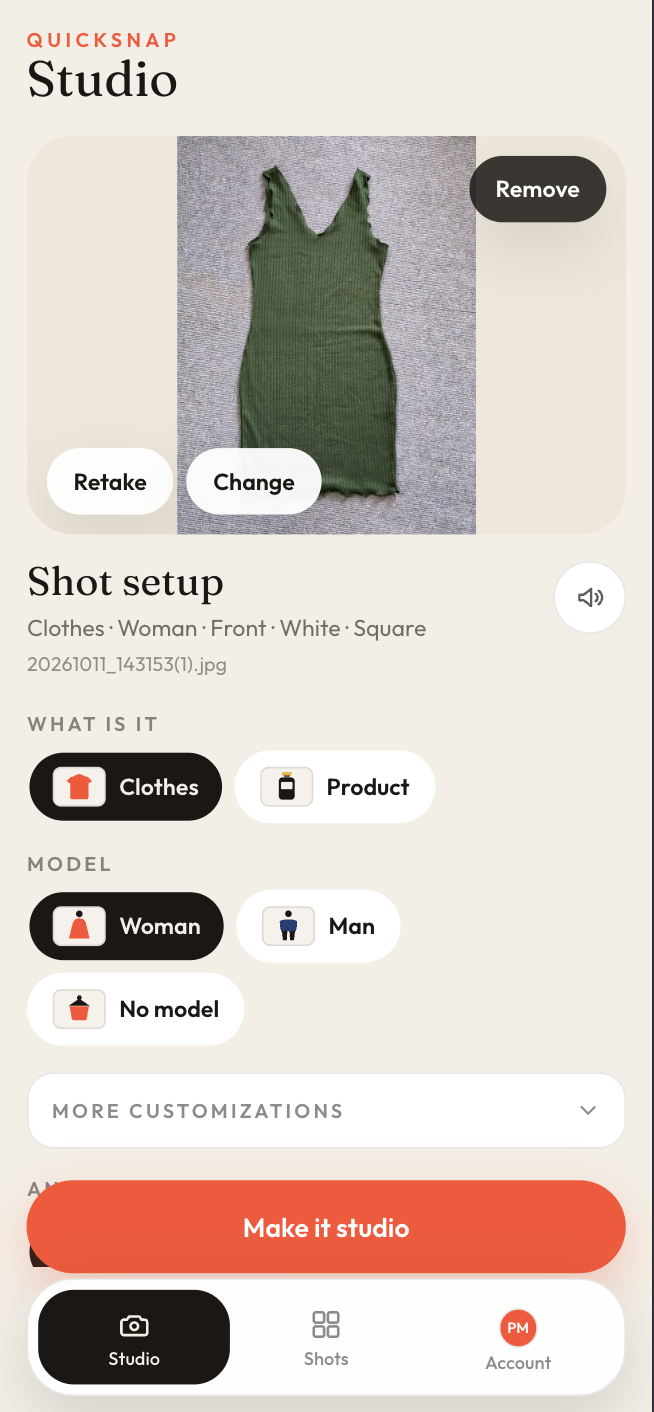
Add the garment photo, then set What is it to Clothes. Under Model, choose Woman or Man. No model leaves the garment without a person, which is useful for a flat lay or a product-only frame.
02
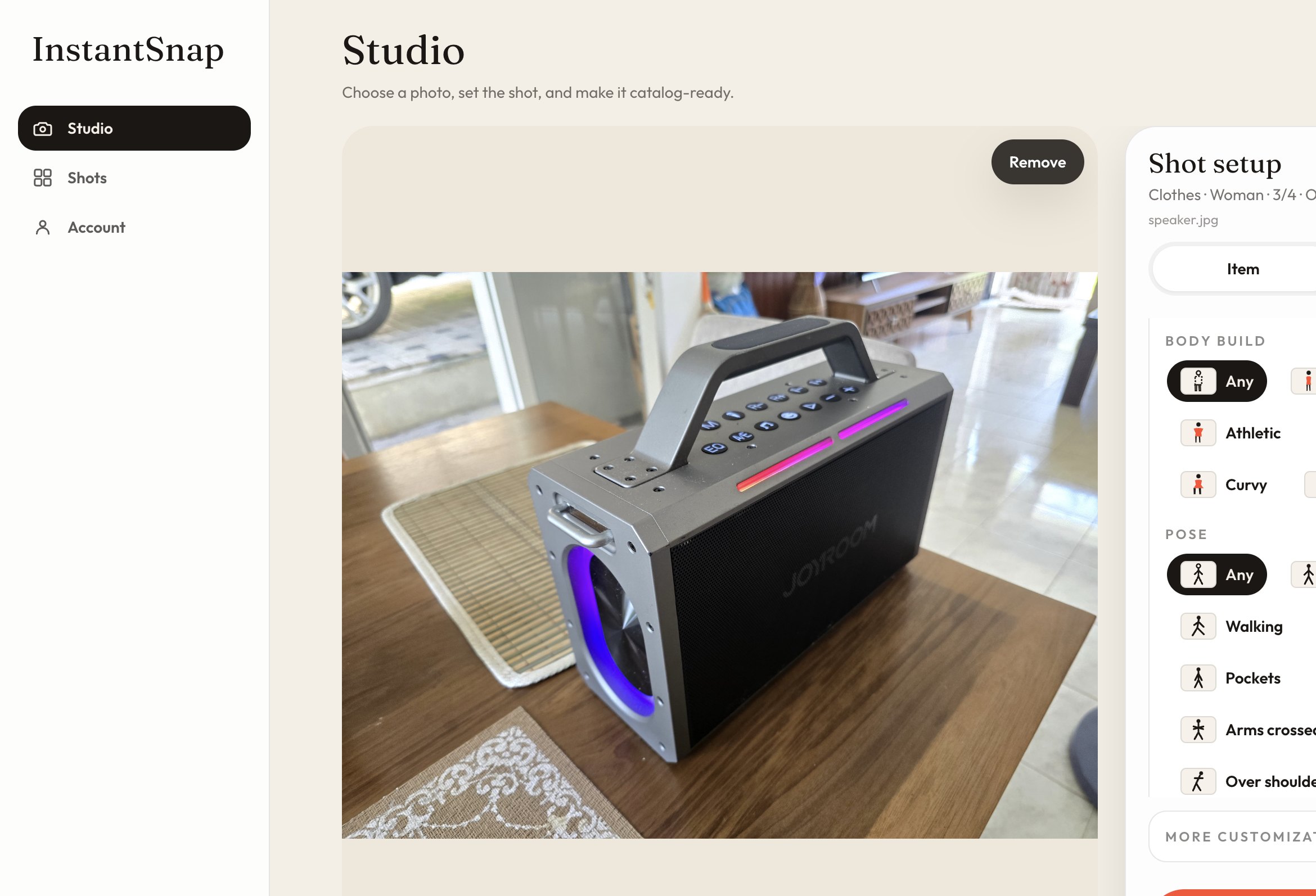
Open more customizations
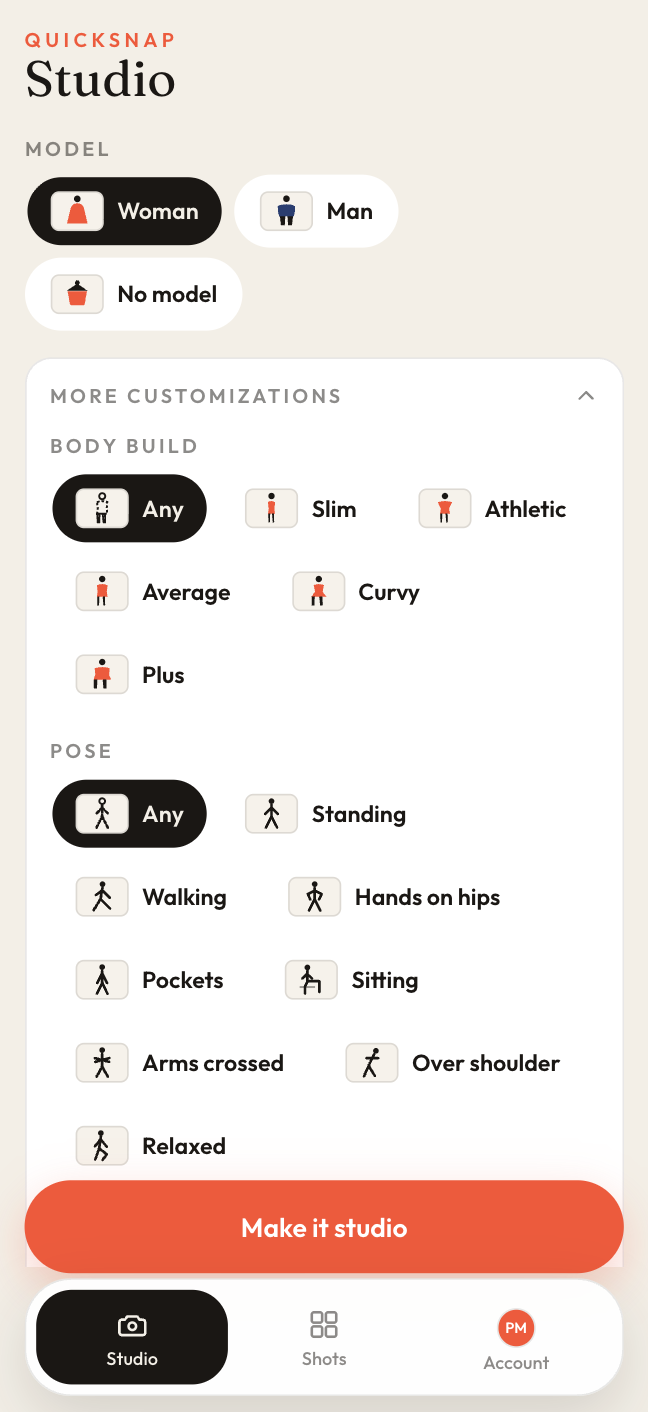
Expand More customizations under the model. Set body build (Slim, Athletic, Average, Curvy, Plus, or Any), pose (Standing, Walking, Hands on hips, Pockets, Sitting, Arms crossed, Over shoulder, Relaxed, or Any), skin tone, and hair color. Any lets InstantSnap choose.
03
Finish the look and make the shot
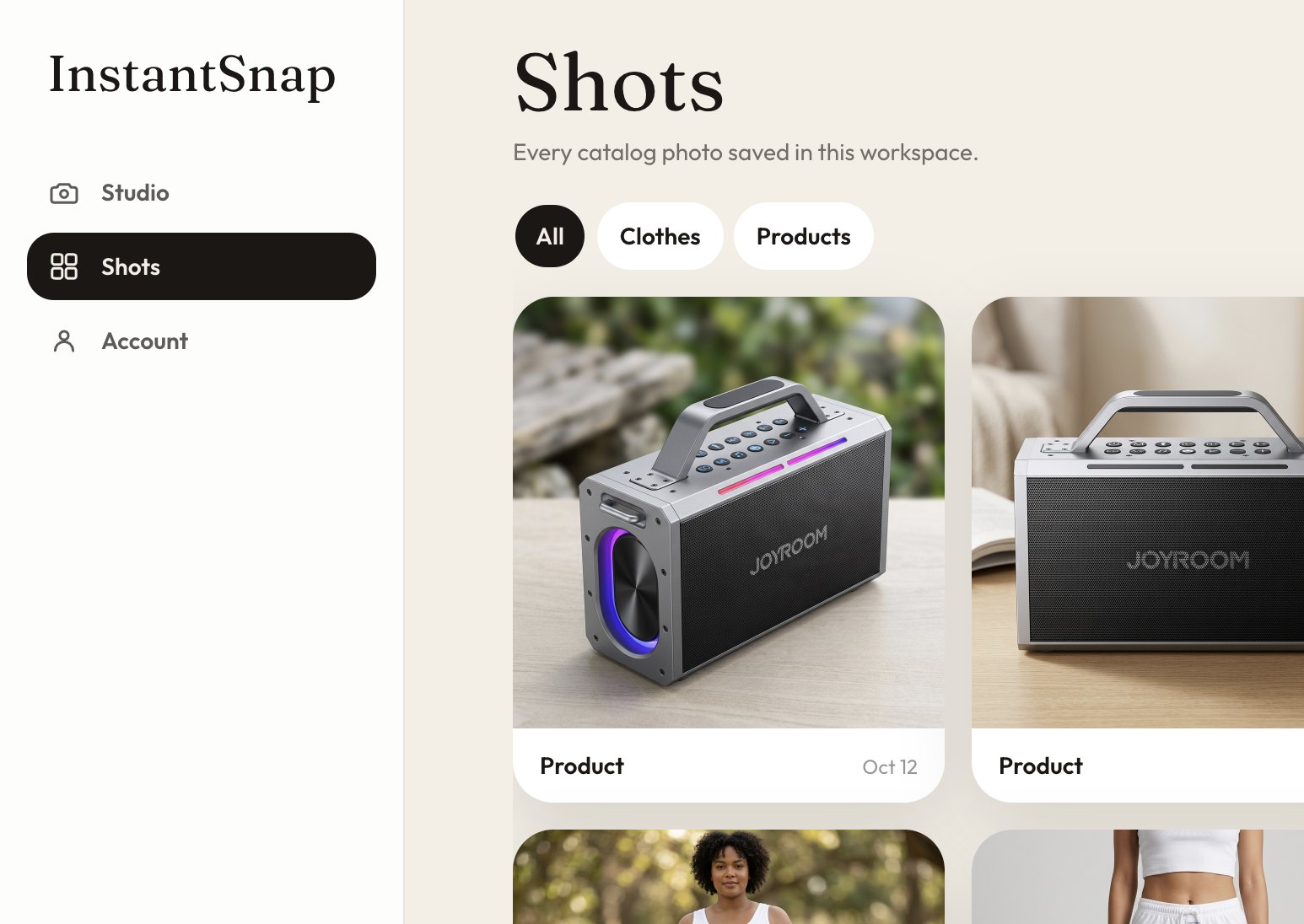
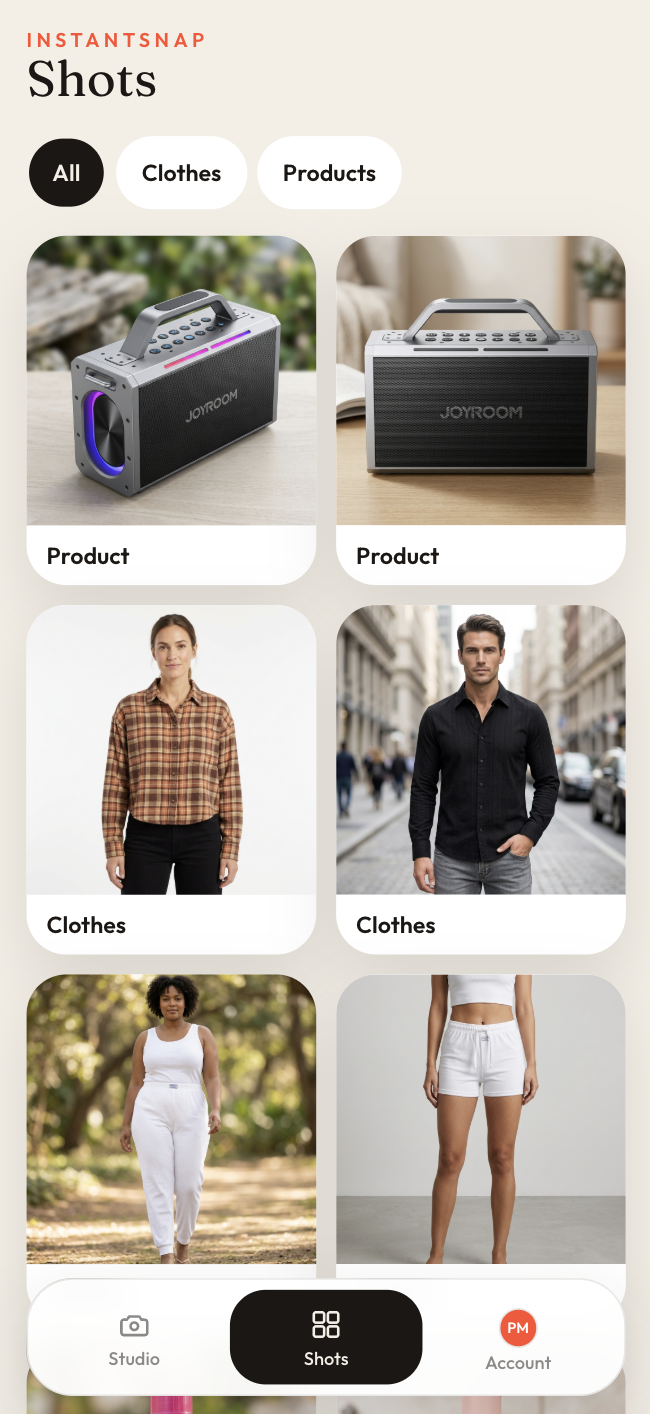
Set the angle, background, and frame the same way you would for a product. Make it studio. The finished clothes shot lands in Shots, where you can filter to Clothes.